
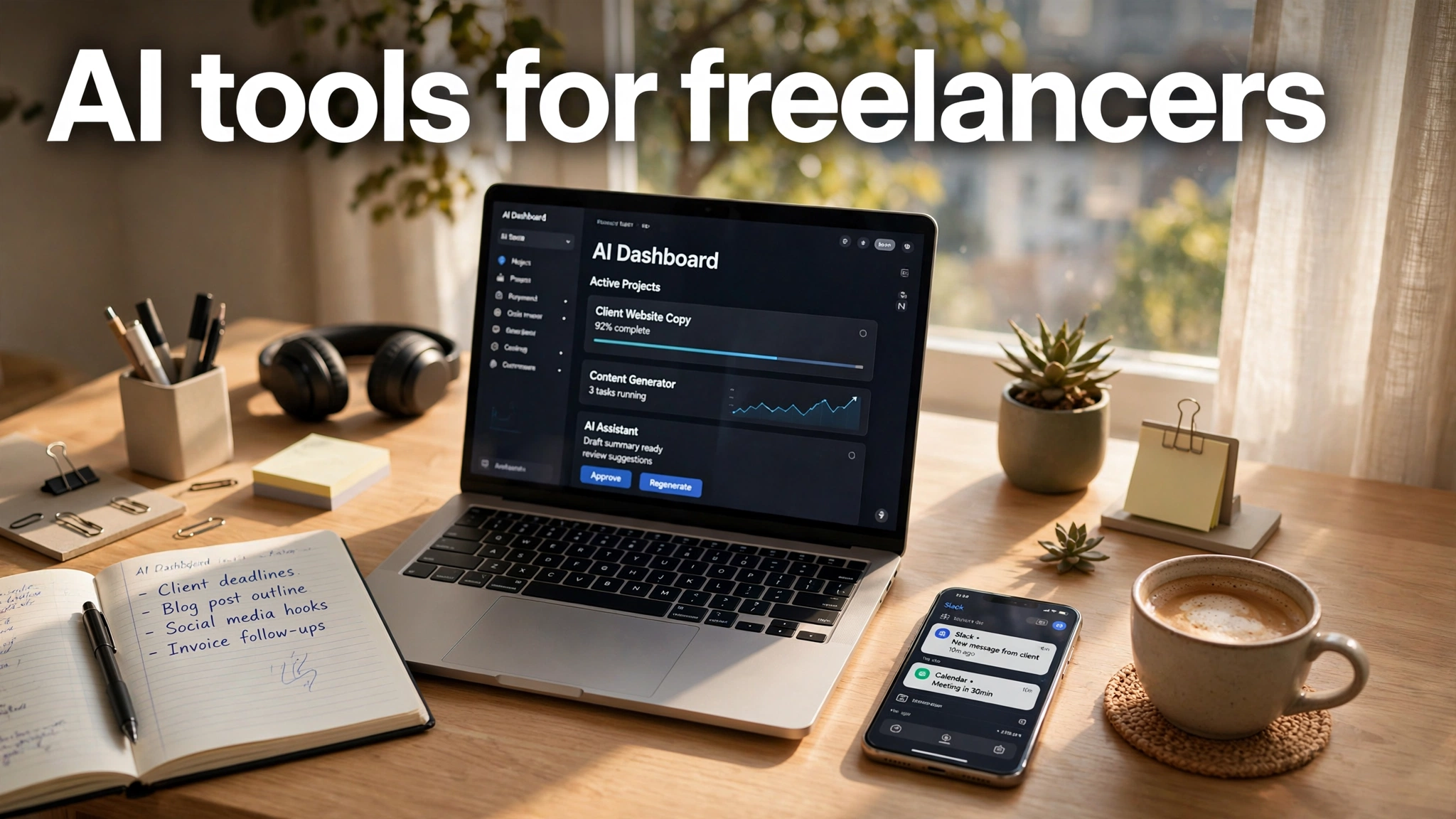
Freelancing has always meant doing everything yourself. You are the writer, the designer, the accountant, the marketer, and the customer support team. In 2026, though, doing everything yourself looks different, because AI tools for freelancers now handle the repetitive parts of each of those jobs.
Recent industry surveys suggest that well over three quarters of freelancers now use AI tools regularly, and those who do report saving many hours every week. The catch is that the market is crowded. There is a new “must-have” tool every month, and most of them solve problems you do not actually have.
This guide cuts through the noise. We researched the AI tools that freelancers genuinely rely on in 2026, across writing, research, design, meetings, admin, and coding. Here is what is worth your money, and what you can skip.
Why Freelancers Are Adopting AI Faster Than Ever
The economics of freelancing make AI adoption almost inevitable. When you sell your time, every hour spent on admin, formatting, or first drafts is an hour you cannot bill. AI tools attack exactly that unbillable work. A proposal that took an afternoon now takes an hour. Meeting notes write themselves. Invoices practically send themselves.
Clients have changed too. They increasingly expect fast turnarounds and polished deliverables, and they are less impressed by effort than by results. Freelancers who use AI well can take on more clients without working longer days, which is the closest thing to a raise that self-employment offers.
The key insight from experienced freelancers is selectivity. Most successful solo professionals rely on just two or three AI tools, not a dozen. The winners are the tools that remove busywork from your specific workflow, not the ones with the longest feature lists. Keep that filter in mind as you read on.
ChatGPT and Claude: Your Everyday AI Assistants
Every freelancer needs one general-purpose AI assistant, and in 2026 the two serious choices are ChatGPT and Claude. Both draft emails, outline proposals, brainstorm ideas, summarize documents, and help you think through client problems. For most day-to-day work, either one will do, and both offer generous free tiers.
The differences are subtle but real. ChatGPT, at around twenty dollars a month for the Plus plan, is the versatile all-rounder with strong web browsing and a huge ecosystem of integrations. Claude, at a similar price for Pro, tends to shine at long documents, careful editing, and nuanced writing tasks. Many freelancers try both free versions for a week and pick the one whose style they prefer.
Whichever you choose, treat it as a drafting partner, not a replacement for your judgment. Clients hire you for your point of view and your reliability.
Perplexity: Research With Sources You Can Trust
Freelancers constantly need to get smart about unfamiliar topics fast, whether it is a client’s industry, a technical concept, or market background for a report. Perplexity is an AI research tool built for exactly this. You ask a question, and it searches the live web and answers with citations you can actually check.
Those citations are the whole point. A general chatbot can summarize a topic convincingly while getting key facts wrong, which is dangerous when your reputation depends on accuracy. Perplexity shows its sources inline, so you can verify claims before they go into a client deliverable. For consultants, writers, and researchers, that verifiability is worth a lot.
The free tier is generous enough for light use. Perplexity Pro, at around twenty dollars a month, adds more advanced models and higher usage limits. If research is a regular part of your billable work, this is one of the easiest subscriptions to justify.
Grammarly: Polish for Every Client Deliverable
Nothing undermines a freelancer’s credibility faster than sloppy writing in a proposal or a client email. Grammarly remains the best dedicated writing polisher in 2026. It checks grammar, spelling, tone, and clarity everywhere you write, from your inbox to your documents to your project management tools.
What makes it valuable for freelancers specifically is that it catches the mistakes general AI assistants miss. A chatbot can draft your proposal, but Grammarly reviews the final version with a different kind of attention, flagging awkward phrasing and tone problems that could cost you a client. It works quietly in the background, which means it protects you even on rushed days.
The free version covers basic corrections. Grammarly Pro, at around twelve dollars a month billed annually, adds advanced suggestions for clarity, tone, and word choice. For anyone whose income depends on written communication, which is nearly every freelancer, it pays for itself the first time it saves a proposal.
Canva AI: Professional Design Without a Designer
Most freelancers are not designers, but most freelancers regularly need design work: social media graphics, pitch decks, thumbnails, simple logos, and client presentations. Canva’s AI features let non-designers produce genuinely professional visuals, with tools that generate images, remove backgrounds, resize designs for every platform, and even draft full presentations from a prompt.
The practical value is speed and independence. Instead of hiring a designer for every small visual task or struggling with complex design software, you can produce client-ready graphics in minutes. For freelancers who manage client social media accounts or create content, this single tool can replace several subscriptions.
Canva’s free plan is surprisingly capable. Canva Pro, at around fifteen dollars a month, unlocks the full AI toolkit along with premium stock assets and brand kits.
Otter.ai and Fireflies: Never Take Meeting Notes Again
Client calls are where freelancers gather requirements, build relationships, and win trust, which makes them the worst possible time to be scribbling notes. AI meeting assistants like Otter.ai and Fireflies.ai join your calls, transcribe everything, identify speakers, and produce summaries with action items. You stay present in the conversation while the notes write themselves.
The payoff comes after the call. Instead of reconstructing what was agreed from memory, you get a searchable transcript and a clean summary you can share with the client. That summary doubles as a paper trail, which protects both sides when scope questions come up later. For consultants and agencies of one, this is quietly one of the most professional upgrades available.
Both tools offer free plans with limited transcription time. Paid plans start around ten dollars a month. If you spend several hours a week on client calls, an AI meeting assistant will quickly become the tool you wonder how you lived without.
Notion AI: Running Your One-Person Business
Freelancers do not just need help with deliverables. They need help running the business itself: tracking projects, organizing client information, planning content, and keeping proposals and contracts in order. Notion AI turns the popular workspace app into a genuine business hub for solo professionals.
The AI features summarize project pages, draft status updates, answer questions across your entire workspace, and help you organize scattered notes into usable systems. Instead of maintaining five different apps for tasks, documents, wikis, and client portals, many freelancers consolidate everything into Notion and let the AI keep it navigable.
Notion AI is a paid add-on to your Notion plan. If you already use Notion to organize your freelance work, the upgrade is natural.
GitHub Copilot: The Coding Assistant for Freelance Developers
Freelance developers were among the earliest AI adopters, and GitHub Copilot remains the essential tool of the trade in 2026. It lives inside your code editor, suggesting whole functions, completing boilerplate, and catching bugs as you write. It can even access current-generation models directly within the interface for harder problems.
For freelancers, the value is measured in billable efficiency. Copilot does not replace programming skill, but it dramatically speeds up the routine parts of coding: scaffolding, tests, documentation, and working in unfamiliar frameworks. That means faster delivery, more projects per month, and less time lost to tedious plumbing.
At around ten dollars a month, it is one of the cheapest tools on this list relative to its impact. Any freelance developer not using an AI coding assistant in 2026 is effectively choosing to work slower than the competition. That is a hard position to defend when clients compare quotes.
If you are studying while freelancing, our guide to the best AI note taking app for students shows how tools like Otter.ai and NotebookLM, two of the AI tools for freelancers above, pull double duty for lectures and research.
And when it is time to pitch clients, our roundup of the best AI presentation maker tools will help you turn your work into polished decks in minutes.
Conclusion
The right AI tools do not replace what makes you valuable as a freelancer. They remove the busywork around it. A general assistant like ChatGPT or Claude handles drafting and thinking. Perplexity makes research verifiable. Grammarly protects your polish. Canva covers your visuals. Otter.ai or Fireflies handles your meetings. Notion AI organizes the business, and Copilot accelerates the code.
You do not need all of them. Start with the bottleneck that costs you the most unbillable hours, fix it with one tool, and master it before adding another. The freelancers thriving in 2026 picked a few tools deliberately, learned them deeply, and used the freed-up hours to do better work for better clients. That is the real payoff, and it is available to you starting today.