
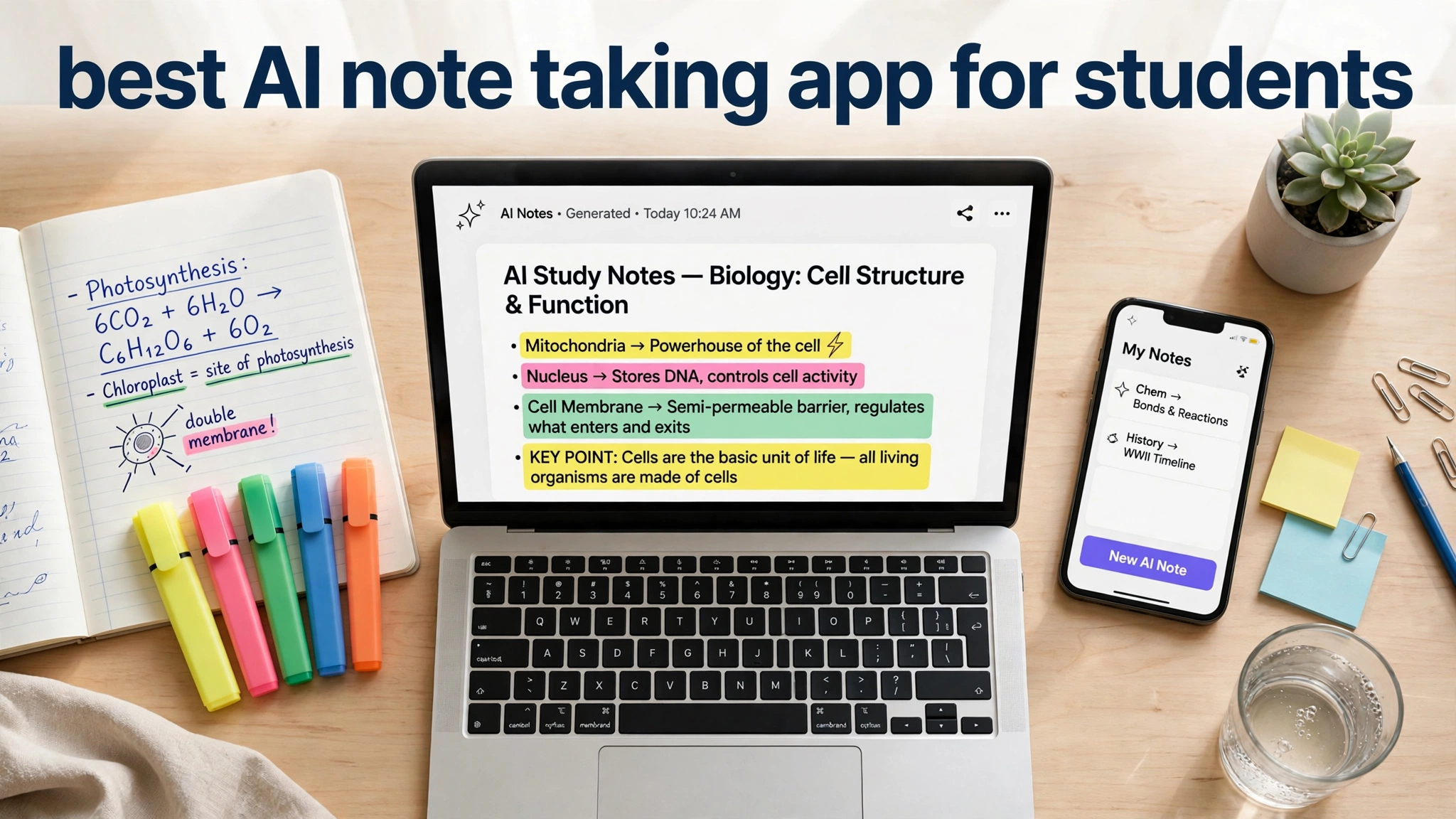
If you are a student in 2026, you know the feeling. The professor talks fast, the slides pile up, and your notebook fills with half-finished sentences that make no sense the night before the exam.
That is why the best AI note taking app for students is one of the most searched study tools of the year. These apps record lectures and turn them into clean transcripts, shrink long readings into key points, and turn notes into flashcards and quizzes.
What Makes an AI Note Taking App Worth It for Students
A regular notes app stores text. An AI note taking app works on it, and that difference matters most when you are short on time. The two features worth prioritizing are transcription, which turns spoken lectures into searchable text, and summarization, which pulls key ideas out of long readings.
Beyond those basics, look for study-specific tools. Flashcard generation turns notes into practice questions automatically. Question answering lets you ask the app about your own material, like a tutor who has read everything you have.
Finally, be honest about your budget and your devices. Many students split time between a laptop and a phone, and some handwrite on a tablet. The best app is the one that works where you work and handles the material your courses actually produce.
NotebookLM: The Free AI Study Assistant From Google
NotebookLM is Google’s AI research notebook, and as of 2026 it remains completely free for individual users. You upload sources such as PDFs, Google Docs, YouTube videos, or EPUB files, and it builds an AI assistant that answers questions using only those sources.
The standout feature is source-grounded answers. Every explanation stays tied to the material you uploaded, so the app will not invent facts about your coursework. It can also generate podcast-style audio overviews of your sources, plus mind maps and slide decks.
The main limitation is that NotebookLM is not a daily note taking app. You do not write longhand notes inside it. It is a research and review companion that sits alongside your notes, and used that way, it is the best free AI study tool available right now.
Notion AI: The All-in-One Workspace for Course Notes
Notion is one of the most popular student organization tools, and its AI features make it a serious study companion. Notion AI can summarize long pages, rewrite rough lecture notes into clean paragraphs, and answer questions about everything in your workspace.
Its strength is context. Because it can see your databases and pages, it can pull action items from a messy group-project page or summarize a semester of notes on one topic. Students who take structured, typed notes get the most out of it.
Notion AI is a paid add-on on top of your Notion plan, so it is not the cheapest option here. If you already live in Notion, the price is easy to justify. If not, the free app is still excellent for organizing notes.
Otter.ai: Turning Lectures Into Searchable Notes
Otter.ai is built for one job, and it does it better than almost anything else: turning spoken words into organized, searchable notes. Record a lecture, and Otter transcribes it in real time, identifies speakers, and produces a summary with key points.
The real value shows up at review time. Every transcript is searchable, so you can find the exact moment a concept was explained instead of scrubbing through an hour of audio. Automatic summaries give you a ready-made revision outline.
Otter.ai offers a free plan with limited monthly transcription minutes, enough to test in a real course. Paid plans start around ten dollars a month and add far more transcription time. If your courses are mostly lectures, this app is most likely to change your routine.
GoodNotes: The Best Pick for Handwritten Notes on iPad
GoodNotes has long been the favorite note taking app for iPad students, and its AI features have made it stronger in 2026. You can write, type, sketch, and annotate PDFs on the same page. The handwriting recognition is excellent, so handwritten notes become searchable text.
The AI features earn it a place on this list. GoodNotes can summarize your notes, and its Study Sets feature converts notes into flashcards using spaced repetition. Math AI recognizes handwritten equations and helps solve them inline, a genuinely useful trick for STEM students.
Pricing is student-friendly. There is a free tier with a few notebooks, an Essential plan at around twelve dollars a year, and a Pro plan at around thirty-six dollars a year with the full AI toolkit. If you study on an iPad with a stylus, this is the most complete option available.
Microsoft OneNote With Copilot: The Smart Free Option
Microsoft OneNote is free, mature, and available on practically every device. With Copilot, Microsoft’s AI assistant, it becomes a genuine AI note taking app. Copilot can summarize a page of notes, rewrite messy scribbles into clean text, and generate quiz questions.
OneNote’s strengths go beyond AI. It handles handwriting well on tablets, and it can search handwritten notes using OCR. Syncing through OneDrive works reliably across devices, and the offline mode is strong, which matters when campus Wi-Fi lets you down.
The trade-off is that Copilot’s study features are not as deep as purpose-built tools like NotebookLM or GoodNotes. There is no spaced repetition, and the quizzing is basic. But as a free notebook with solid AI assistance, OneNote is the best value here.
Obsidian: The Power User’s Knowledge Base
Obsidian is a different kind of note taking app. It stores your notes as plain text files and connects them through a web of links, so related ideas find each other automatically. Students in research-heavy programs love it because knowledge compounds over years instead of disappearing into old notebooks.
The AI story in Obsidian comes through plugins rather than one built-in assistant. You can add tools that summarize notes, suggest connections between topics, and answer questions about your knowledge base. Because your notes are plain files, you can use them with any AI tool you like without being locked into one company’s ecosystem.
The honest caveat is the learning curve. Obsidian takes setup and experimentation, and a first-year student who just needs lecture transcripts will be happier with Otter.ai or NotebookLM. But if you want a system that grows through your whole degree, Obsidian rewards the effort like nothing else here.
How to Choose the Best AI Note Taking App for Students
Start with your courses, not with the app store. If most of your learning happens in lectures, a transcription tool like Otter.ai will help more than any flashcard generator. If your workload is readings and research papers, NotebookLM’s source-grounded answers are unmatched, and they are free.
Next, consider your budget honestly. You do not need to pay for everything. NotebookLM and OneNote are free and cover huge ground between them. If you pay for one thing, make it the app that handles your biggest pain point. Most paid apps offer free tiers, so try before you commit.
Finally, think about how you actually study. Some students learn by re-reading summaries, others by testing themselves with flashcards, and others by asking questions until a concept clicks. The best AI note taking app for students is the one that supports your real habits, not the one with the longest feature list.
The best AI note taking app for students often earns its keep beyond the classroom. If you freelance alongside your studies, our guide to the best AI tools for freelancers shows which of these same apps pull double duty for client work.
Study life also means a flood of email. Our guide to the best free AI email writer tools can help you draft coursework and job-application messages in seconds.
Conclusion
The right AI note taking app can genuinely change how you study. NotebookLM gives you a free AI tutor grounded in your own course material. Otter.ai makes sure you never miss a word of a fast lecture. GoodNotes turns an iPad into the ultimate handwritten study system, and OneNote with Copilot does a little of everything for free.
No single app wins for everyone, so start with the free options. Try NotebookLM alongside whatever you already use, and you will quickly see whether AI assistance changes your results. Pick the tool that fits your courses, give it a real trial, and let technology handle the busywork while you focus on learning.
Business owners can also read our comparison of the best AI social media scheduler tools.