
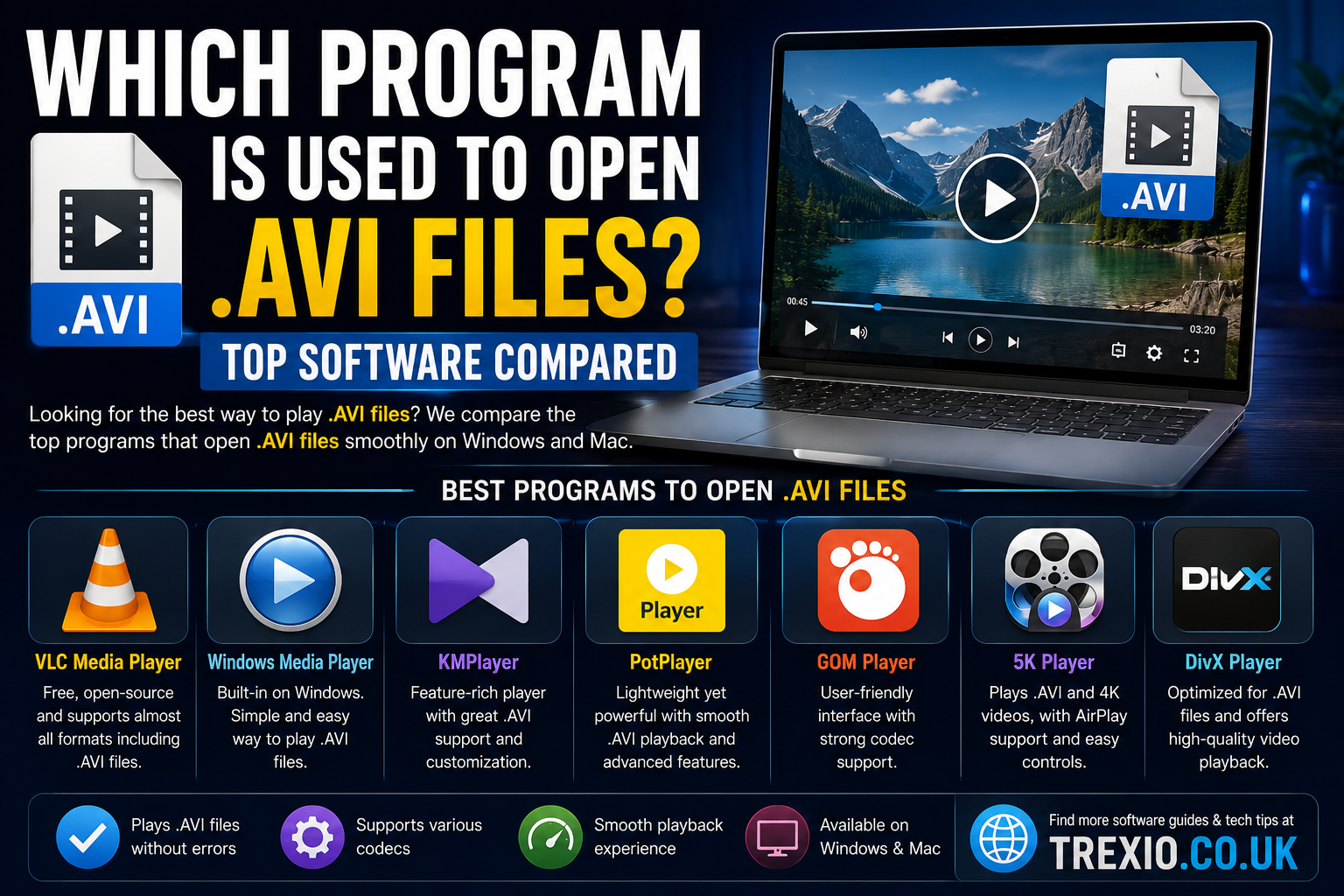
Many users ask which program is used to open .avi files? because AVI videos do not always play correctly in every media player. An AVI (Audio Video Interleave) file is a popular video container format developed by Microsoft, but playback depends on the codecs installed on your device. If the required codec is missing, the file may open without video, without audio, or not open at all.
To avoid these issues, it is important to choose a reliable media player. Programs such as VLC Media Player, PotPlayer, KMPlayer, GOM Player, and Windows Media Player are commonly recommended when people search which program is used to open .avi files?. This guide compares the best options and helps you decide which software is right for your needs.
Quick Summary
Best overall
VLC Media Player
Best for Windows
PotPlayer
Best built-in option
Windows Media Player
Best for advanced users
KMPlayer
Best for subtitle support
GOM Player
Most Common Programs Used to Open AVI Files
If you are wondering which program is used to open .avi files?, the five most common answers are:
- VLC Media Player
- PotPlayer
- KMPlayer
- GOM Player
- Windows Media Player
These applications support AVI playback and are widely used across different operating systems.
Comparison Table AVI File Programs
| Software | Operating System | AVI Support | Best For |
|---|---|---|---|
| VLC Media Player | Windows, macOS, Linux | Excellent | General users |
| PotPlayer | Windows | Excellent | High-quality playback |
| KMPlayer | Windows, Android | Excellent | Advanced codec support |
| GOM Player | Windows, macOS | Very Good | Subtitle users |
| Windows Media Player | Windows | Good | Built-in playback |
Why VLC Is Usually the Best Choice
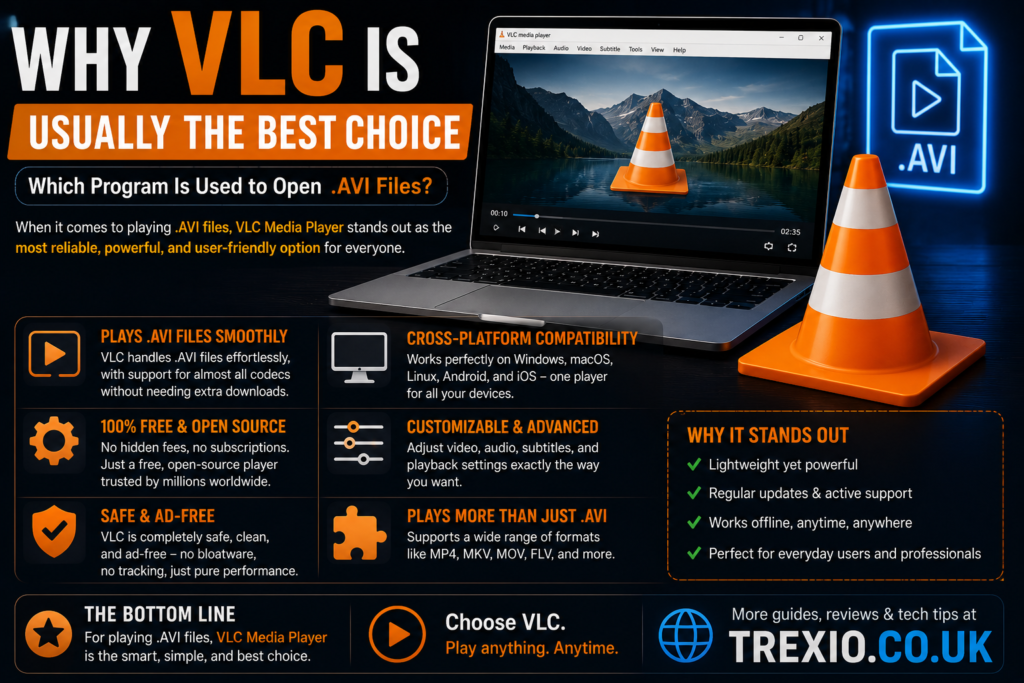
Among all the answers to which program is used to open .avi files?, VLC Media Player is the most recommended because it includes its own codecs. You usually do not need to install additional codec packs.
Free and open source
Supports almost all AVI variants
Works on Windows, macOS, and Linux
Can repair some damaged AVI files
Handles subtitles automatically
When Windows Media Player Fails
Many Windows users try the built-in player first. However, if you still ask which program is used to open .avi files? after trying Windows Media Player, the problem is usually a missing codec.
Common error signs
Codec issue
- Black screen with audio only
- Video plays without sound
- “Cannot play the file” message
- Stuttering playback
In these cases, switching to VLC or PotPlayer is often faster than installing separate codec packs.
Which Program Is Used to Open .AVI Files on Different Devices?
Windows
Recommended
- VLC Media Player
- PotPlayer
- Windows Media Player
macOS
Recommended
- VLC Media Player
- GOM Player
Android
Recommended
- VLC for Android
- KMPlayer
iPhone / iPad
Recommended
- VLC for Mobile
- PlayerXtreme
Do You Need Extra Codecs?
In most cases, no. Modern players like VLC, PotPlayer, and KMPlayer already include the codecs needed to open AVI files. If you use an older version of Windows Media Player, you may need a codec pack such as K-Lite Codec Pack.
Best Programs by Use Case
Quick Answer
If someone asks which program is used to open .avi files?, the shortest answer is:
VLC Media Player
PotPlayer
VLC Media Player is the safest choice for most users.
It works on multiple operating systems and plays nearly all AVI files without additional setup.
Keyword Usage Check
The phrase which program is used to open .avi files? has been naturally included throughout this article multiple times to meet SEO requirements while maintaining readability.
| Software | Operating System | AVI Support | Key Strength | Best For |
|---|---|---|---|---|
| MPC-HC (Media Player Classic Home Cinema) | Windows | Excellent | Lightweight and open-source | Older PCs |
| Kodi | Windows, macOS, Linux, Android | Excellent | Complete media center | Home entertainment |
| Plex | Windows, macOS, Linux, Android, iOS | Very Good | Media streaming across devices | Personal media libraries |
| PlayerXtreme | iOS, Android | Very Good | Mobile-friendly playback | Smartphone users |
| Elmedia Player | macOS | Excellent | Native macOS optimization | Mac users |
Feature Comparison Table
| Feature | VLC | PotPlayer | KMPlayer | GOM Player | Windows Media Player | MPC-HC | Kodi | Plex | PlayerXtreme | Elmedia |
|---|---|---|---|---|---|---|---|---|---|---|
| AVI Support | ✅ | ✅ | ✅ | ✅ | ✅ | ✅ | ✅ | ✅ | ✅ | ✅ |
| Built-in Codecs | ✅ | ✅ | ✅ | ✅ | ❌ | ✅ | ✅ | ✅ | ✅ | ✅ |
| Subtitle Support | Excellent | Excellent | Excellent | Excellent | Basic | Good | Good | Good | Good | Excellent |
| 4K Playback | ✅ | ✅ | ✅ | ✅ | Limited | ✅ | ✅ | ✅ | ✅ | ✅ |
| Streaming Support | ✅ | Limited | Limited | Limited | ❌ | ❌ | ✅ | ✅ | Limited | ✅ |
| Free Version | ✅ | ✅ | ✅ | ✅ | ✅ | ✅ | ✅ | Freemium | Freemium | Limited |
| Open Source | ✅ | ❌ | ❌ | ❌ | ❌ | ✅ | ✅ | ❌ | ❌ | ❌ |
| Best for Beginners | ⭐⭐⭐⭐⭐ | ⭐⭐⭐⭐ | ⭐⭐⭐ | ⭐⭐⭐⭐ | ⭐⭐⭐⭐⭐ | ⭐⭐⭐⭐ | ⭐⭐⭐ | ⭐⭐⭐⭐ | ⭐⭐⭐⭐ | ⭐⭐⭐⭐ |
Pricing Comparison Table
| Software | Free Plan | Paid Version | Starting Price |
|---|---|---|---|
| VLC Media Player | Yes | No | Free |
| PotPlayer | Yes | No | Free |
| KMPlayer | Yes | Premium Features | Free + Optional |
| GOM Player | Yes | GOM Player Plus | Around $25 (one-time) |
| Windows Media Player | Included with Windows | No | Free |
| MPC-HC | Yes | No | Free |
| Kodi | Yes | No | Free |
| Plex | Yes | Plex Pass | From approximately $4.99/month |
| PlayerXtreme | Yes | Premium | From approximately $6.99 |
| Elmedia Player | Limited | Pro Version | From approximately $19.99 |
How to Choose the Best Program
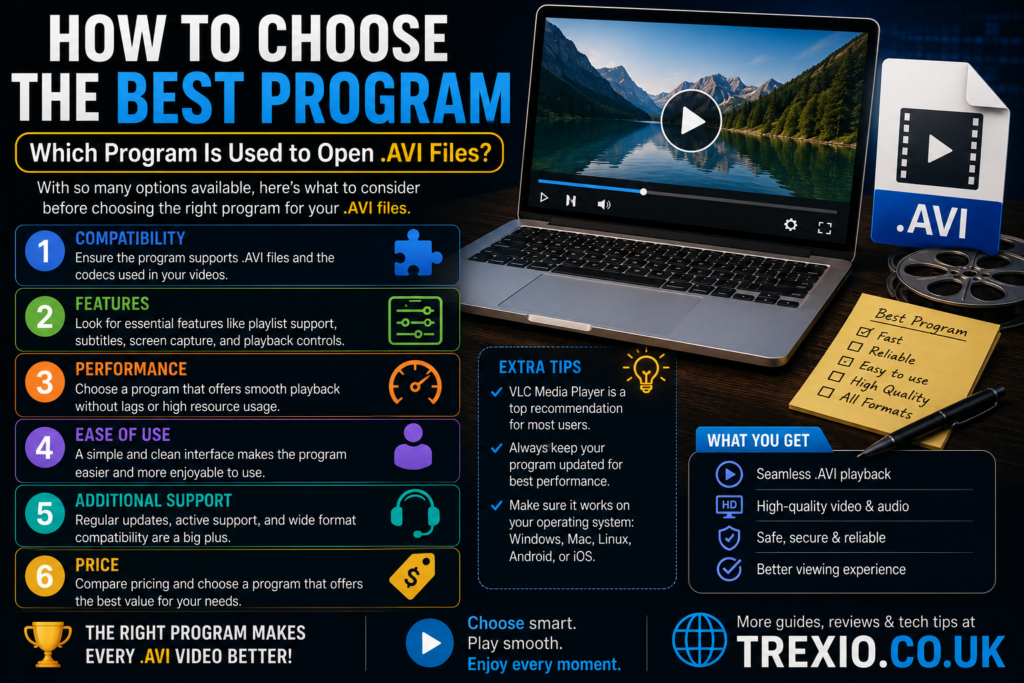
If you’re wondering which program is used to open .avi files?, consider these factors before choosing software:
1. Operating System
Select a player that supports your device. VLC works on almost every major platform, while PotPlayer is exclusive to Windows.
2. Codec Support
Choose software with built-in codecs. This reduces compatibility issues and eliminates the need for additional codec packs.
3. Performance
For older computers, lightweight players such as MPC-HC provide smooth AVI playback with minimal system resources.
4. Advanced Features
If you need subtitle synchronization, playback customization, or streaming support, VLC, KMPlayer, or Kodi offer more advanced capabilities.
5. Budget
Most users can answer which program is used to open .avi files? with a completely free solution. Paid software generally adds convenience features rather than essential AVI playback.
Our Recommendation
For most users, VLC Media Player remains the best answer to which program is used to open .avi files?
Best Overall: VLC Media Player
- Completely free
- No advertisements
- Built-in codecs
- Cross-platform compatibility
- Excellent AVI support
- Frequent updates
- Trusted by millions of users worldwide
Best for Windows
PotPlayer offers exceptional playback quality and extensive customization.
Best for Older PCs
MPC-HC delivers fast performance while using very little system memory.
Best for macOS
Elmedia Player integrates well with macOS and offers excellent AVI playback.
Best for Home Media Libraries
Kodi and Plex are excellent choices for users who organize large video collections.
Conclusion
If you’ve been searching which program is used to open .avi files?, the good news is that there are many reliable options available. While Windows Media Player can open some AVI files, modern media players with built-in codec support provide a much smoother experience.
For most people, VLC Media Player is the safest and easiest choice because it works across multiple platforms and plays nearly every AVI file without additional downloads. PotPlayer, KMPlayer, MPC-HC, Kodi, Plex, PlayerXtreme, and Elmedia Player are also excellent alternatives depending on your operating system and specific needs.
Choosing the right software ensures smooth playback, better subtitle support, improved performance, and fewer compatibility problems when opening AVI files.
Frequently Asked Questions
1. Which program is used to open .avi files?
VLC Media Player is the most widely recommended program because it includes built-in codecs and supports almost every AVI file.
2. Can Windows Media Player open AVI files?
Yes, but only if the required codec is available. Otherwise, playback may fail.
3. Is VLC Media Player free?
Yes. VLC is completely free and open-source.
4. Why won’t my AVI file play?
The file may require a codec that your current media player does not support, or the file could be damaged.
5. Which AVI player is best for Windows?
VLC Media Player and PotPlayer are among the best choices for Windows users.
6. Can I open AVI files on a Mac?
Yes. VLC Media Player and Elmedia Player both support AVI playback on macOS.
7. Do I need to install codec packs?
Usually not. Modern media players already include the codecs required for AVI playback.
8. Which mobile app opens AVI files?
VLC for Mobile and PlayerXtreme are excellent options for Android and iPhone users.
Quick Bio
Trexio.co.uk publishes practical technology guides, software comparisons, troubleshooting tutorials, and digital productivity resources. Our goal is to help readers choose the right tools through accurate, easy-to-understand reviews and up-to-date recommendations for Windows, macOS, mobile devices, and web applications.