
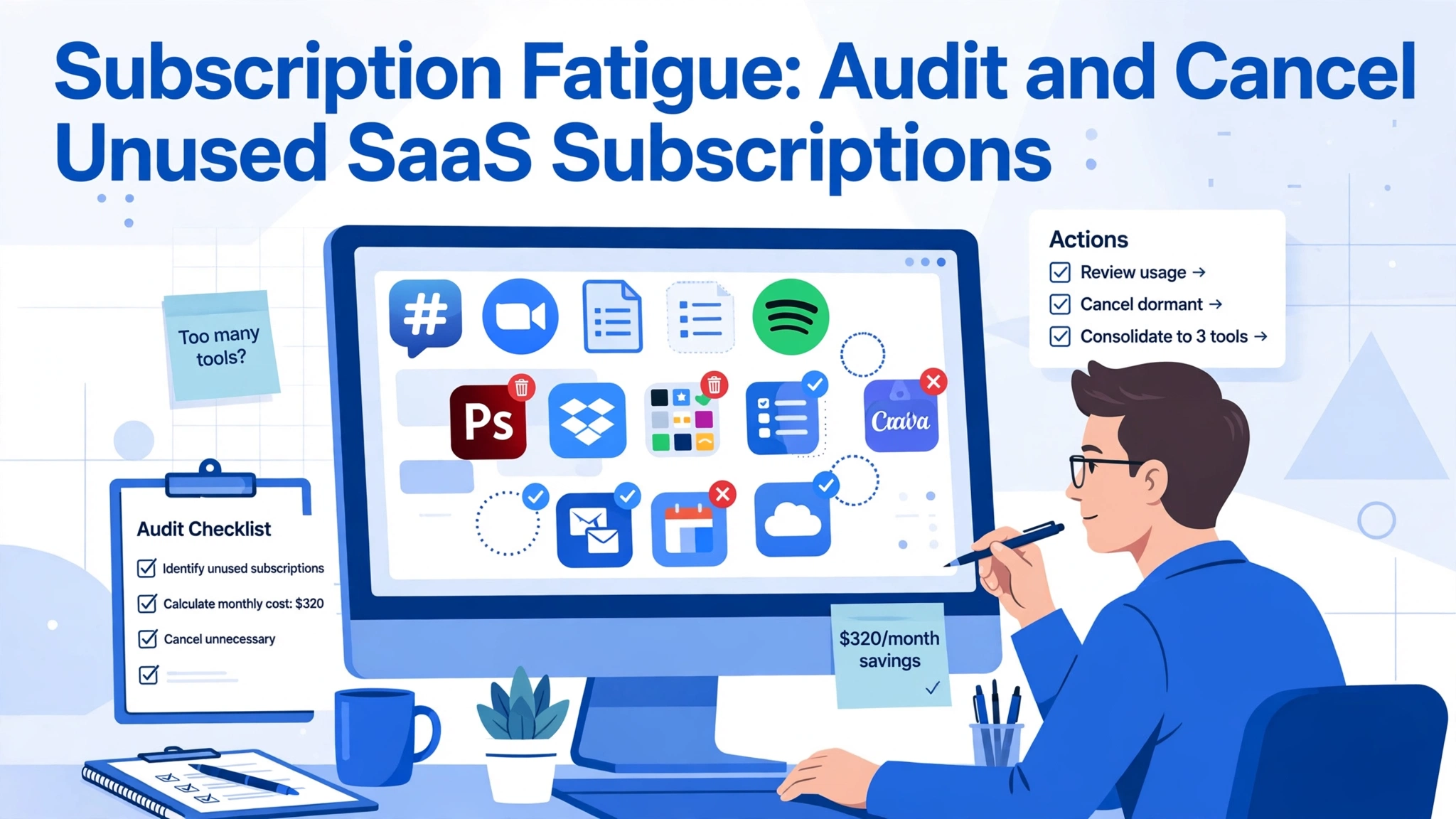
Ready to cancel unused SaaS subscriptions and end subscription fatigue? Here is how to audit your stack this weekend.
If you run a small business or work as a freelancer, there is a good chance you are paying for software you never open. A project tool you tried for a week. A design app with one finished project. Individually they look small, but stacked together they become a quiet leak in your budget.
This is subscription fatigue, and it has reached a point where an audit is no longer optional. Consumers carry around twelve active subscriptions, and small businesses often juggle far more. The good news is that fixing it is a weekend project, and this guide walks you through the full process.
What Subscription Fatigue Really Costs You
Subscription fatigue is the mental and financial weight of too many recurring payments. Every service adds another renewal date, another password, another small charge that is easy to ignore. Owners report a constant background anxiety about whether they are paying for the right tools and which free trial quietly converted to a paid plan.
The financial side is easier to measure. One writer who audited his own statements found over five thousand dollars a year in subscriptions and canceled more than twelve hundred of it.
There is also a productivity cost. Every tool demands maintenance: updates, notifications, integrations. When a team runs three project management apps, people waste time deciding where a task lives. A leaner stack means fewer decisions and fewer places for work to hide.
Start by Finding Every Subscription You Pay For
You cannot cancel what you cannot see, so start by building a complete list. Go through your bank and card statements for the last twelve months and flag every recurring charge. Give yourself an hour and treat it like detective work, since some charges appear under billing names that do not match the product.
Next, check your email for receipt, invoice, and renewal to catch charges that look like gibberish on a statement. Also check your phone’s app stores, any virtual cards used for trials, and your browser’s saved logins for dormant accounts tied to forgotten projects or former employees.
Collect everything into one list with the tool name, the monthly or annual cost, and who uses it. Do not skip the small charges. A seven-dollar subscription feels harmless, but twelve of them add up to a thousand dollars a year.
Run the Usage Test Before You Cancel Anything
With the full list in hand, apply an honest usage check. For each subscription, ask a simple question: has anyone opened this in the last thirty days? For annual plans, stretch that window to ninety days. If the answer is no, the tool goes on the candidate list for cancellation.
Be careful with seasonal tools, though. A tax preparation service may sit idle for eleven months and still be worth every penny. Mark these as seasonal, and note the month when they earn their keep.
For team tools, the usage test applies per seat, not just per tool. Per-user pricing makes ghost seats one of the biggest sources of SaaS waste: accounts belonging to people who changed roles or left the company. Pull each platform’s user list, remove those who no longer need access, and downgrade anyone who only needs viewer permissions.
Spot the Duplicates Doing the Same Job
One of the most common audit findings is overlap: two or three tools doing nearly identical jobs. Different team members sign up for their favorites, and the company ends up paying for three note-taking apps or two design tools used for the same purpose. Consolidate.
Compare the duplicates on what matters: which one the team opens daily, which holds the most historical data, and which integrates best with your stack. But when the cheaper tool is also the more used one, the decision makes itself.
Also watch for feature overlap between tools you would not think of as competitors. Many businesses pay for a dedicated file-sharing service, cloud storage inside another suite, and a project tool with built-in file attachments. One of those is often redundant. The same goes for AI tools, since AI features are now bundled into office suites and design apps.
Apply the Keep or Cut Decision Framework
For every subscription that survives the usage test and the duplicate check, apply a final value test. Does this tool earn its cost in time saved, revenue, or risk avoided? Would you sign up for it again today? Is there a free tier or cheaper plan that covers what you actually use? A tool that fails the first two questions should be canceled.
Be honest about the fear of missing out, because it is the main reason zombie subscriptions survive. People keep tools because they might need them someday. Remember that resubscribing takes five minutes and the door is not closed. Nearly every vendor keeps your data for a grace period after cancellation, and many offer a retention discount when you click cancel.
Document each decision as you go. Write keep, cancel, downgrade, or consolidate next to every row, with one line explaining why. This takes ten extra minutes and pays off enormously when you repeat the audit in six months.
Cancel the Right Way and Protect Your Data
Canceling sounds simple, but vendors make it deliberately awkward. Log into the billing settings of each tool on your cancel list and look for the cancel option. Some hide it several clicks deep or require a chat with support. Screenshot the confirmation page or save the cancellation email for each one as proof.
Before you cancel, export anything you might need: documents, reports, analytics history, design files. Many tools lock your data shortly after the subscription lapses, and while the grace period usually covers you, an export takes five minutes and removes all doubt. If a tool holds customer data, check whether deleting the account triggers any compliance steps.
Then watch your statements for one more billing cycle. Most tools bill one final time if you cancel mid-cycle, and a few keep charging until a support ticket stops them. Set a reminder for thirty days out to verify that every canceled subscription has actually stopped charging.
Use Tools That Keep the Stack Lean
The audit fixes the past; now protect the future. Subscription tracking apps connect to your bank accounts and flag recurring charges automatically, replacing the manual statement review. They are especially useful for catching free trials that convert to paid plans, the most common source of surprise charges.
Virtual cards are the other big win. Services that issue single-purpose virtual card numbers let you sign up for a trial with a card that has a spending cap or expiration date, so the vendor physically cannot charge you when the trial ends. This turns every trial into a conscious decision to continue rather than a passive slide into a paid plan.
Finally, adopt a one-in, one-out rule for the whole team. Every new subscription needs a named owner, a budget line, and a review date. Require anyone proposing a new tool to note what it replaces; that small friction filters out impulse sign-ups.
Set a Rhythm So the Savings Stick
A single audit saves money once, but a repeating audit saves money forever. Put a recurring calendar reminder for a quick subscription review every quarter and a full audit once a year. The quarterly check takes twenty minutes: glance at the tracker app and cancel anything that slipped through.
Assign ownership if you have a team. One person should own the master list of subscriptions, and every vendor contract should have a renewal date on a shared calendar with a reminder two weeks before it renews. Renewals are where the biggest savings hide: an annual renewal is your yearly leverage to negotiate a discount or walk away.
Vendors expect this conversation and routinely offer retention pricing to customers who ask. The teams that review before renewing routinely save hundreds per contract, and the habit takes less effort each year as the list gets shorter.
Conclusion
Subscription fatigue thrives on inattention. Vendors count on small automatic charges being easy to ignore, and they design cancellation flows that reward giving up. A SaaS audit reverses that dynamic: it makes every charge visible and turns cancellation into a routine decision.
Businesses that audit regularly typically save hundreds or even thousands a year. Run your first audit this week, set the calendar reminder, and stop paying for software you never open.
Related reading: How to Review AI-Generated Code for Security Issues (2026)