
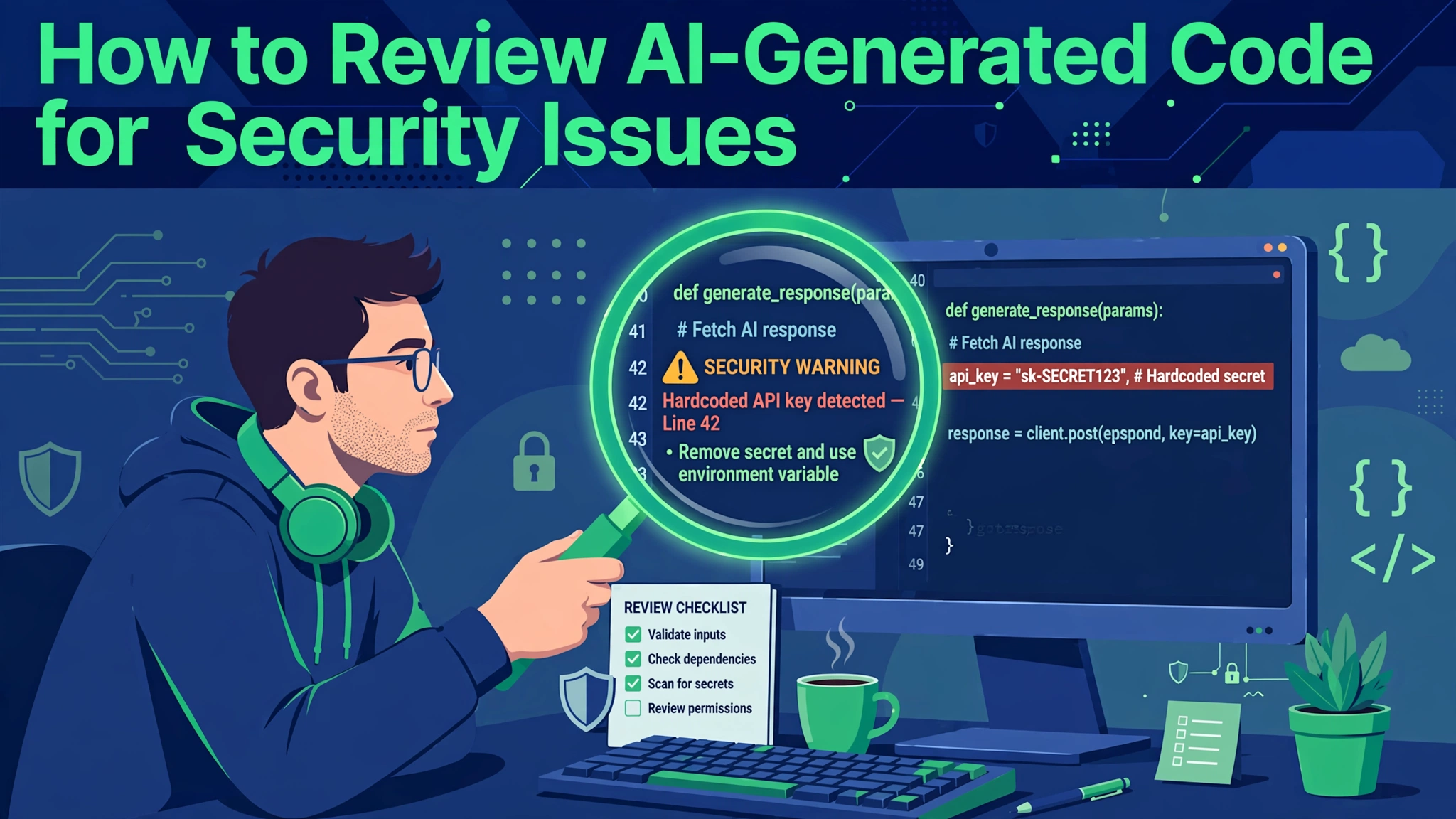
To review AI-generated code for security before it ships in 2026, follow the practical process in this guide.
AI coding assistants have changed how software gets written. Developers can generate entire features in minutes instead of hours. But speed comes with a catch: the code looks confident while quietly carrying the security mistakes the model learned from its training data.
The problem is not that AI code is uniquely bad. It is that AI code is uniquely plausible. A tired developer reviewing a pull request sees clean formatting, sensible names, and working tests, and the review muscle relaxes. Researchers keep finding the same pattern: the happy path works beautifully, while the security boundaries are missing or silently disabled. This guide gives you a practical review process that catches these issues before production.
Why AI Code Needs a Different Review Mindset
Reviewing AI-generated code the way you review human-written code is a mistake. A colleague understands your threat model and your users; an AI model understands none of that. It predicts the most likely next lines based on patterns in public code, which is full of insecure shortcuts.
The model also has no sense of your architecture. It does not know which endpoints are public, which data is regulated, or which inputs are hostile. So it fills the gaps with assumptions: that the input is friendly, that the caller is authenticated, that the defaults are safe. Every one of those assumptions is a vulnerability waiting for the right attacker.
The good news is that AI vulnerabilities are predictable. Models trained on the same public code make the same categories of mistakes, over and over. A reviewer who knows the pattern — hardcoded secrets, string-built SQL, missing authorization checks — can scan AI output fast and catch the bulk of the problems in minutes.
Start With Automated Scans Before Reading a Line
Never start by reading AI-generated code by hand. Run automated tools first: ESLint with security rulesets for JavaScript, Bandit or Ruff for Python, Semgrep or SonarQube for broader coverage.
Dependency scanning belongs in this first gate too. AI assistants frequently suggest packages that are outdated or quietly vulnerable, and they sometimes invent package names that do not exist. Pin your versions, run npm audit or its equivalent, and keep Dependabot or Renovate watching for new vulnerabilities. One compromised transitive dependency can undo every other security measure.
Make these scans mandatory CI gates so a pull request cannot merge with a high-severity finding open; automation typically catches around forty percent of AI-generated issues first.
Hunt for Hardcoded Secrets and Exposed Credentials
The single most common security flaw in AI-generated code is also the easiest to find: credentials baked into the source. API keys, database passwords, and cloud tokens appear as plain strings because the examples the model trained on did exactly that. Tutorials hardcode credentials for brevity, and the model faithfully reproduces the habit.
Scan every new file for string literals that look like keys or passwords. Search for names like api_key, secret, token, and password, then read the surrounding lines. Also check comments and example config blocks, where real credentials get stashed for later rotation. Scanners flag secrets by name, so a key stored under an ordinary name can slip past.
Move every secret to a secrets manager or an environment variable that never enters version control. Rotate anything that was committed — a committed secret is an exposed secret — and add a pre-commit hook scanning for secret patterns.
Check Every Authentication and Authorization Path by Hand
This is the step you cannot automate away, and it is where AI code fails most dangerously. AI-generated authentication usually handles the happy path while silently dropping the hard parts: session expiration, token refresh, rate limiting, and logout. Authorization is worse: models routinely check whether a user is logged in, but never whether that user owns the requested resource.
Read every line that touches identity, sessions, and permissions. For each protected route, verify both authentication and authorization on the server, and watch for insecure direct object references: endpoints taking an ID from the request without checking it belongs to the caller.
Pay special attention to what the model disabled to make things work: TLS verification turned off to dodge a handshake error, CSRF tokens disabled to make a form submit, CORS policies relaxed to fix a browser error. If a security control is off, the code is not finished.
Inspect How User Input Is Handled and Validated
Injection vulnerabilities are the oldest class of web security flaw, and AI models reproduce them with remarkable consistency. The pattern is always the same: user input flows into a SQL query, a shell command, an eval call, or a template without sanitization. The model writes string-built queries because that is what thousands of tutorials show.
Trace every piece of untrusted input from the request boundary to its destination: form fields, URL parameters, headers, cookies, uploaded files, and third-party API data. For each one, verify that the code validates the input and uses a safe mechanism like parameterized queries or allowlists.
Uploaded files deserve their own inspection. AI-generated upload handlers often trust the file extension and skip size limits, so validate by content type, cap the size, and store uploads outside the web root.
Use a Second AI as an Adversarial Reviewer
One of the most effective emerging practices is cross-model review: using a different AI model to probe the output of the first. Different models have different blind spots, so a vulnerability one model generates confidently may be exactly what a competing model flags.
Make the second model’s job adversarial: don’t ask it to improve the code, ask it to find everything wrong. Give it the code’s purpose, then instruct it to check for authentication bypass, input validation failures, secrets exposure, and disabled security controls, with severity ratings and line references.
Treat the adversarial review as a triage feed, not a verdict. AI reviewers produce false positives, and a developer who rubber-stamps AI findings is no better than one who rubber-stamps AI code. Route the findings through a human who understands the system, keep the confirmed ones, and feed recurring false positives back into the prompt.
Test the Paths the AI Never Thought About
AI-generated code is tested, if at all, against the sunny scenarios the model imagined. Your review should deliberately walk the paths it never considered: empty inputs, special characters, concurrent requests, expired tokens, and operations performed out of order. Boundary testing reveals the gap between working code and safe code.
Write tests for critical paths yourself rather than letting the AI write them. Authentication flows, payment processing, permission checks, and data mutations each deserve tests verifying failure behavior: wrong password, expired session, tampered token, access to another user’s data. The test you write by hand is the one the model would have skipped.
Integration testing closes the loop. AI-generated components that pass unit tests can still fail when they meet the real system: an API integration that ignores rate limits, a backend that trusts headers the proxy strips. Run end-to-end tests across the complete user flow, not just the new component in isolation.
Lock Down the Build, Dependencies, and Deployment
Security review does not end at the source file. AI-generated projects often ship with permissive build configurations: debug mode enabled and verbose error pages that leak stack traces. Read the configuration with the same suspicion you gave the code, since defaults favor developer convenience over production safety.
Container and deployment files need the same treatment. AI-generated Dockerfiles routinely run as root and copy secrets into image layers, so verify non-root users, scan base images, and keep secrets out of the image entirely.
Finally, make the review repeatable: document it as a team checklist — scans green, secrets hunted, auth paths read by hand, input traced, adversarial review triaged, failure tests written, build config hardened. Every AI-generated pull request goes through the same gates.
Conclusion
AI coding assistants are not going away, and neither is the pressure to ship faster. The teams that thrive will have a disciplined review process that assumes every AI contribution contains the model’s favorite vulnerabilities until shown otherwise.
Automate the first pass, read auth and input paths by hand, hunt secrets, cross-examine with a second model, and test the failure paths the AI never imagined. Do that consistently, and AI becomes a fast pair of hands with a careful human mind on the wheel.
Related reading: Subscription Fatigue: How to Audit and Cancel Unused SaaS Subscriptions