
Modern businesses need more than a traditional website to build lasting relationships with customers, partners, and employees. People expect personalized digital experiences, instant access to information, secure collaboration, and self-service options available around the clock. This growing demand has made salesforce experience cloud one of the most valuable platforms for organizations that want to improve digital engagement. Instead of relying on disconnected systems, companies can create connected online experiences where users access knowledge, submit support requests, collaborate with teams, and complete important business tasks from a single location. Whether a business serves thousands of customers or manages a global partner network, the platform helps simplify communication while improving productivity. As organizations continue investing in digital transformation, salesforce experience cloud plays a central role in delivering seamless and personalized experiences. Understanding how the platform works is the first step toward maximizing its business value.
Quick Answer
Salesforce Experience Cloud is a cloud-based digital experience platform from Salesforce that allows organizations to build branded customer portals, partner portals, employee hubs, self-service communities, knowledge centers, and collaboration spaces. It integrates directly with Salesforce CRM, enabling businesses to deliver personalized, secure, and scalable digital experiences while improving customer satisfaction, employee productivity, and partner collaboration.
What Is Salesforce Experience Cloud?
Salesforce experience cloud is a powerful digital experience platform that enables organizations to create customized websites, online communities, customer portals, partner portals, and employee workspaces using the Salesforce ecosystem. Formerly known as Salesforce Community Cloud, the platform has evolved into a comprehensive solution for digital engagement across multiple audiences. Instead of developing separate applications for customers, employees, and business partners, organizations can manage everything from one integrated environment. Every interaction connects directly with Salesforce CRM data, allowing businesses to personalize experiences based on user roles, history, and preferences. This integration improves efficiency while reducing administrative work across departments. Businesses can also automate workflows, simplify support processes, and enhance collaboration using built-in Salesforce tools. Because the platform supports responsive design, users enjoy consistent experiences across desktops, tablets, and mobile devices. Today, salesforce experience cloud is widely adopted by organizations seeking scalable digital transformation solutions.
Why Businesses Choose Salesforce Experience Cloud
Companies increasingly choose salesforce experience cloud because customers expect faster service, partners require secure collaboration, and employees need centralized access to business resources. Traditional websites often lack personalization and direct CRM integration, creating disconnected experiences that reduce productivity. Experience Cloud solves these challenges by bringing together customer data, automation, knowledge management, analytics, and collaboration into one unified platform. Organizations can rapidly launch branded digital experiences without building complex systems from scratch. Low-code development tools reduce implementation time while empowering administrators to manage updates without extensive programming knowledge. Businesses also appreciate the platform’s scalability, allowing communities to grow alongside organizational needs. Since security remains a top priority, Salesforce provides role-based access controls and enterprise-grade protection. These capabilities make salesforce experience cloud an excellent solution for businesses across industries.
Evolution from Community Cloud to Experience Cloud
Salesforce originally introduced Community Cloud to help organizations build online communities for customers and partners. As digital engagement expanded beyond communities, Salesforce transformed the platform into salesforce experience cloud, significantly increasing its capabilities. The updated platform now supports advanced personalization, content management, commerce integrations, AI-powered recommendations, workflow automation, and richer digital experiences. Businesses no longer view online communities as isolated support channels but as complete digital ecosystems where users interact with brands throughout their journey. This evolution reflects changing customer expectations and growing digital transformation initiatives worldwide. Organizations now use Experience Cloud for onboarding, customer education, product documentation, employee collaboration, and partner enablement. The rebranding also highlighted Salesforce’s broader vision of creating connected digital experiences rather than standalone community websites. Today, salesforce experience cloud continues expanding with new AI, automation, and analytics capabilities.
Major Improvements Over Community Cloud
| Community Cloud | Salesforce Experience Cloud |
|---|---|
| Community-focused | Complete digital experience platform |
| Limited personalization | Advanced personalization tools |
| Basic portals | Dynamic branded experiences |
| Standard collaboration | AI-powered engagement |
| Simple community pages | Modern digital workspaces |
| Basic CMS | Integrated Salesforce CMS |
| Limited automation | Extensive Flow automation |
| Traditional templates | Flexible Experience Builder |
Core Components of Salesforce Experience Cloud
Understanding the major components of salesforce experience cloud helps organizations plan successful implementations. Each component contributes to creating engaging and personalized digital experiences for different user groups. Since everything operates within the Salesforce ecosystem, businesses benefit from seamless CRM integration while maintaining centralized data management. The platform combines content management, collaboration, automation, security, analytics, and responsive design into one comprehensive solution. Organizations can activate only the features they need while expanding functionality over time. This flexibility supports startups, mid-sized companies, and global enterprises alike. As business requirements evolve, administrators can continue enhancing digital experiences without rebuilding entire systems. These integrated capabilities explain why salesforce experience cloud has become a leading enterprise platform.
Experience Builder
Experience Builder is the primary low-code design tool within salesforce experience cloud. It allows administrators to create professional digital experiences using drag-and-drop functionality instead of extensive coding. Users can customize layouts, navigation, branding, themes, and page components while maintaining responsive design across devices. The builder includes reusable templates that accelerate deployment and reduce development costs. Organizations can easily update content, publish new pages, and adjust branding as business needs change. Developers also have the flexibility to extend functionality using Lightning Web Components when advanced customization is required. This balance between low-code simplicity and developer flexibility makes Experience Builder one of the platform’s strongest features. Businesses can launch sophisticated portals significantly faster than traditional web development approaches.
Salesforce CMS
Salesforce CMS enables centralized content management across multiple digital channels. Marketing teams can create articles, images, videos, product documentation, announcements, and educational resources from one location. Instead of duplicating content across websites, organizations publish once and distribute everywhere. This approach improves consistency while reducing maintenance efforts. Since Salesforce CMS integrates directly with salesforce experience cloud, businesses can personalize content based on audience segments and user permissions. Content creators also benefit from approval workflows and version control for improved governance. Rich media support further enhances user engagement while maintaining brand consistency. Centralized content management helps organizations deliver accurate and timely information to every audience.
Knowledge Management
Knowledge management plays a significant role within salesforce experience cloud because users increasingly prefer self-service support. Businesses can publish FAQs, troubleshooting guides, product documentation, instructional videos, and technical articles within searchable knowledge bases. Customers quickly find answers without contacting support agents, reducing case volumes while improving satisfaction. Employees and partners also benefit from centralized access to organizational knowledge. Intelligent search capabilities surface the most relevant content based on user queries. Organizations continuously improve knowledge articles using analytics that identify popular searches and content gaps. Effective knowledge management reduces operational costs while increasing customer success. Self-service capabilities remain one of the platform’s most valuable advantages.
Key Features of Salesforce Experience Cloud
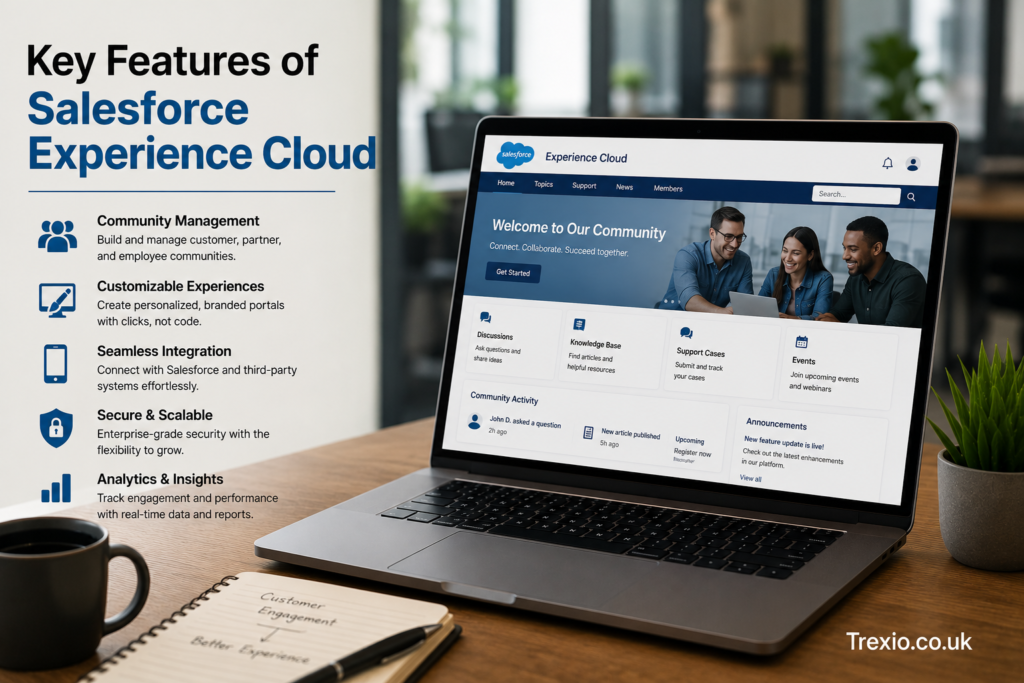
The success of salesforce experience cloud comes from its extensive collection of enterprise-grade features that support digital engagement across industries. Organizations can combine these capabilities to create customized experiences that meet unique business requirements while maintaining security and scalability. Rather than purchasing multiple disconnected software solutions, businesses manage customer engagement from one integrated platform. Continuous Salesforce innovation ensures organizations receive regular feature enhancements without complicated upgrades. Whether the goal is customer support, partner collaboration, employee communication, or digital onboarding, Experience Cloud provides flexible solutions that adapt to changing business needs. These features help organizations improve operational efficiency while strengthening long-term relationships. Businesses also gain valuable insights through integrated reporting and analytics. Together, these capabilities make salesforce experience cloud a comprehensive digital experience platform.
Personalized User Experiences
Personalization has become essential for modern digital engagement. Salesforce experience cloud enables businesses to tailor pages, recommendations, content, navigation, and resources according to user profiles, permissions, and CRM data. Customers receive information relevant to their products and services, while partners access sales resources specific to their organizations. Employees view internal documentation based on department roles and responsibilities. Personalized dashboards increase productivity by highlighting the most important information first. Dynamic content delivery also improves user satisfaction by reducing unnecessary navigation. Organizations benefit from stronger engagement because users interact with experiences designed specifically for their needs. Personalized experiences ultimately improve loyalty and long-term customer relationships.
Mobile-Responsive Design
Today’s users expect seamless digital experiences regardless of device. Salesforce experience cloud automatically delivers responsive layouts that function across smartphones, tablets, and desktop computers. Mobile accessibility improves customer engagement while supporting remote employees and distributed partner networks. Organizations no longer need separate mobile applications for many business functions because responsive web experiences provide similar convenience. Administrators preview layouts before publishing to ensure optimal usability across screen sizes. Mobile optimization also contributes to better accessibility and improved user satisfaction. Businesses benefit from higher engagement levels because users remain connected wherever they work. Responsive experiences have become a standard expectation in modern digital transformation.
Advanced Security Controls
Security remains a critical requirement for enterprise digital experiences. Salesforce experience cloud includes extensive authentication methods, role-based permissions, data-sharing rules, secure login options, and compliance capabilities that protect sensitive information. Administrators determine exactly which records, documents, and applications users can access. Multi-factor authentication adds another layer of protection against unauthorized access. Organizations can also configure secure partner access without exposing internal business systems. Regular Salesforce security updates help businesses maintain compliance with evolving regulations. Centralized security management simplifies administration while improving governance. Strong security capabilities make the platform suitable for industries handling confidential customer information.
Common Business Use Cases
Organizations across healthcare, finance, education, retail, manufacturing, technology, and nonprofit sectors rely on salesforce experience cloud to improve engagement with various audiences. The flexibility of the platform allows businesses to solve unique operational challenges while maintaining consistent digital experiences. Instead of creating separate systems for customers, employees, and partners, organizations centralize engagement through one scalable platform. This unified approach improves collaboration while reducing operational complexity. Businesses also gain valuable customer insights by connecting every interaction with Salesforce CRM data. As digital transformation continues accelerating, new use cases emerge across nearly every industry. Experience Cloud supports both simple portal deployments and highly customized enterprise implementations. Its versatility remains one of its greatest strengths.
Customer Self-Service Portals
Customer portals built with salesforce experience cloud allow users to manage accounts, submit support requests, monitor case status, access invoices, review documentation, download resources, and communicate with service teams independently. Self-service capabilities reduce support costs while providing faster resolutions for customers. Organizations also improve customer satisfaction by offering 24/7 access to important business information. Automated workflows streamline repetitive support activities and reduce agent workloads. Customers appreciate having greater control over their interactions while businesses improve operational efficiency. Personalized dashboards further enhance usability by displaying relevant account information immediately after login. These portals strengthen customer relationships through convenience and transparency.
Partner Relationship Management (PRM)
One of the most valuable applications of salesforce experience cloud is partner relationship management. Organizations that depend on distributors, resellers, franchisees, affiliates, or implementation partners often struggle with scattered communication and disconnected systems. Experience Cloud solves this challenge by providing a centralized digital workspace where partners can securely access leads, opportunities, product documentation, marketing materials, pricing information, certifications, and support resources. Instead of relying on lengthy email chains or multiple software platforms, partners collaborate directly within the Salesforce ecosystem. Automated workflows notify partners about new opportunities, approval requests, or training updates, helping improve response times and productivity. Businesses can also monitor partner performance using dashboards and analytics that provide insights into sales activities and engagement levels. Secure role-based permissions ensure every partner sees only the information relevant to their organization. This streamlined collaboration strengthens partner relationships while helping businesses grow revenue through a more connected partner ecosystem.
Benefits for Partner Networks
Organizations using salesforce experience cloud for partner management experience faster onboarding, improved collaboration, and increased transparency throughout the sales cycle. New partners can quickly access training materials, certifications, sales guides, and onboarding resources through a single portal. Marketing teams can distribute campaign assets instantly without managing multiple communication channels. Sales leaders gain better visibility into partner pipelines, making forecasting and strategic planning more accurate. Partners benefit from easier deal registration, faster approvals, and centralized communication that reduces administrative work. Automated workflows minimize delays while improving consistency across global partner networks. Since all activities connect with Salesforce CRM, organizations gain complete visibility into partner engagement and performance metrics. These capabilities contribute to stronger partnerships and improved business outcomes.
Employee Experience and Internal Collaboration
Modern organizations also use salesforce experience cloud to create digital employee hubs that improve communication, collaboration, and productivity. Instead of maintaining separate intranets, document repositories, and communication tools, businesses centralize internal resources into one secure workspace. Employees can access HR information, company announcements, project documentation, training materials, knowledge articles, and collaboration spaces from virtually anywhere. Personalized dashboards present relevant information based on department, role, or location, reducing the time spent searching for critical resources. Integration with Salesforce automation further simplifies routine business processes such as approvals, requests, and onboarding tasks. Organizations also encourage collaboration through discussion forums, shared workspaces, and knowledge sharing. Mobile accessibility ensures remote and hybrid employees remain connected regardless of location. These employee-focused capabilities make salesforce experience cloud an effective solution for today’s flexible work environments.
Improving Employee Productivity
A well-designed employee portal eliminates many daily frustrations associated with locating information or completing routine tasks. Employees spend less time navigating disconnected systems and more time focusing on meaningful work. Managers can distribute company updates immediately while ensuring everyone has access to the latest policies and procedures. Knowledge-sharing communities encourage collaboration across departments and geographic regions. Automated approval processes reduce delays that often occur with manual workflows. Employees also gain self-service access to frequently requested HR resources, reducing administrative workloads for internal teams. Integrated search capabilities make locating documents significantly faster, improving overall efficiency. By simplifying daily operations, salesforce experience cloud helps organizations build a more productive workforce.
Salesforce Experience Cloud Architecture
Understanding the architecture of salesforce experience cloud helps organizations plan successful implementations and long-term scalability. The platform operates directly within the Salesforce ecosystem, allowing organizations to leverage existing CRM data, automation tools, security controls, APIs, and reporting capabilities. Experience Builder serves as the presentation layer, while Salesforce CRM provides the underlying business data. Automation through Salesforce Flow connects processes across departments without requiring extensive custom development. APIs enable integration with third-party applications, enterprise software, payment systems, and external databases. Identity management ensures secure authentication and user access across different audiences. Salesforce CMS delivers centralized content while Analytics provides valuable reporting and business insights. Together, these architectural components create a highly scalable digital experience platform suitable for organizations of all sizes.
High-Level Architecture Components
| Component | Purpose | Business Value |
|---|---|---|
| Experience Builder | Create digital experiences | Low-code development |
| Salesforce CRM | Centralized customer data | Personalized experiences |
| Salesforce Flow | Workflow automation | Reduced manual work |
| Salesforce CMS | Content management | Consistent content delivery |
| Knowledge Base | Self-service support | Lower support costs |
| Analytics | Performance reporting | Better decision-making |
| Identity Management | Secure authentication | Enterprise-grade security |
| APIs & Integrations | Connect external systems | Seamless business operations |
Salesforce Experience Cloud Integrations
A major strength of salesforce experience cloud is its ability to integrate with both Salesforce products and external enterprise applications. Businesses rarely operate with a single software solution, making integrations essential for efficient operations. Experience Cloud connects seamlessly with Sales Cloud, Service Cloud, Marketing Cloud, Commerce Cloud, Data Cloud, Slack, MuleSoft, Tableau, and many AppExchange applications. Organizations can also integrate ERP systems, accounting software, payment gateways, document management solutions, and custom applications using APIs. These integrations eliminate duplicate data entry while ensuring information remains synchronized across systems. Employees and customers benefit from consistent experiences without switching between multiple applications. Automated integrations also improve reporting accuracy and operational efficiency. This connected ecosystem significantly increases the overall value of salesforce experience cloud.
Popular Salesforce Product Integrations
Service Cloud
Organizations combine Service Cloud with salesforce experience cloud to enhance customer support through case management, knowledge articles, self-service portals, and automated workflows. Customers receive faster assistance while support teams handle complex cases more efficiently.
Sales Cloud
Sales Cloud integration allows partners and sales teams to collaborate on opportunities, manage leads, monitor pipelines, and access account information securely through Experience Cloud portals.
Marketing Cloud
Marketing Cloud enables personalized communications based on customer behaviors and preferences. Organizations deliver targeted campaigns, personalized journeys, and relevant content that improves engagement and customer loyalty.
Tableau Analytics
Tableau integration helps organizations visualize portal usage, customer behavior, engagement metrics, and operational performance through interactive dashboards that support data-driven decision-making.
Benefits of Salesforce Experience Cloud
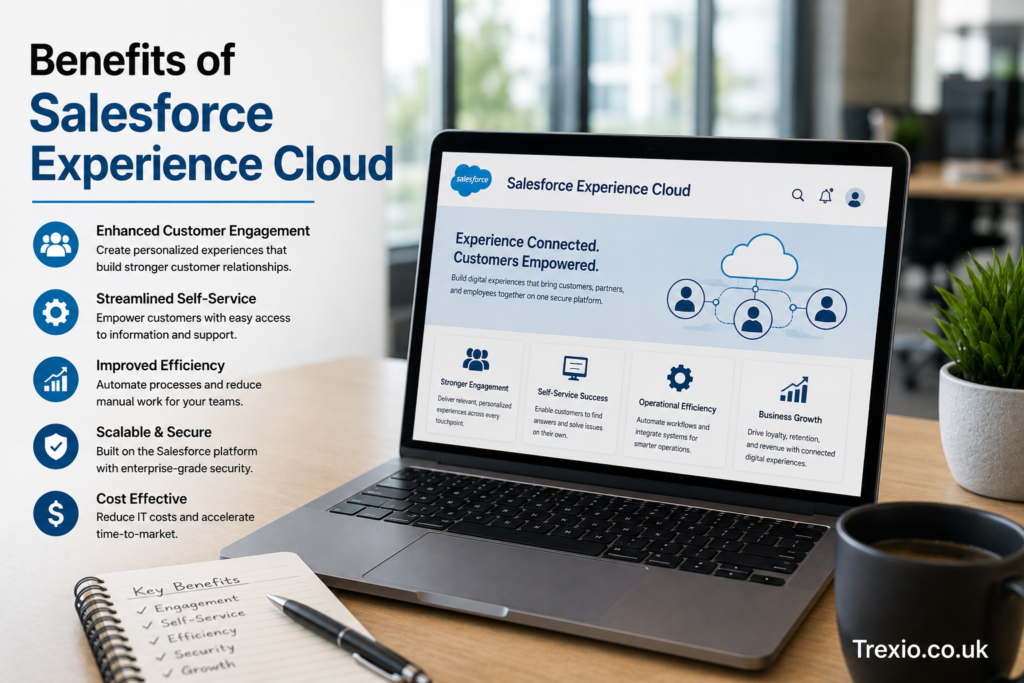
Organizations investing in salesforce experience cloud often experience measurable improvements across customer engagement, operational efficiency, employee productivity, and business growth. By consolidating multiple digital experiences into a single platform, businesses reduce software complexity while improving consistency across every user interaction. Customers appreciate faster access to support resources, while partners collaborate more effectively through centralized workspaces. Employees benefit from streamlined communication and simplified workflows that reduce repetitive tasks. Automation minimizes manual effort while increasing process accuracy across departments. Personalized experiences encourage stronger engagement and long-term customer loyalty. Built-in analytics provide valuable insights that support continuous improvement initiatives. These combined advantages make salesforce experience cloud a strategic investment for organizations pursuing digital transformation.
Key Business Benefits
| Benefit | Business Impact |
|---|---|
| Personalized experiences | Higher customer satisfaction |
| Self-service capabilities | Reduced support costs |
| CRM integration | Complete customer visibility |
| Workflow automation | Improved operational efficiency |
| Partner collaboration | Increased revenue opportunities |
| Employee engagement | Higher workforce productivity |
| Enterprise security | Better compliance and governance |
| Scalability | Supports business growth |
Best Practices for Salesforce Experience Cloud Implementation
A successful salesforce experience cloud implementation begins with clearly defined business objectives and a thorough understanding of user needs. Organizations should identify their primary audiences before designing portal experiences, ensuring customers, partners, and employees receive personalized content that supports their goals. Navigation should remain simple and intuitive so users can locate information quickly without unnecessary complexity. Businesses should also invest in high-quality knowledge articles that reduce support requests while improving self-service success. Automation should focus on eliminating repetitive manual tasks rather than overcomplicating workflows. Regular analytics reviews help organizations identify opportunities to improve user engagement and optimize portal performance. Security policies should follow the principle of least privilege to protect sensitive information while maintaining usability. Continuous testing and user feedback ensure the platform evolves alongside changing business requirements.
Implementation Checklist
- Define measurable business objectives.
- Understand each user audience.
- Design intuitive navigation.
- Build a comprehensive knowledge base.
- Automate repetitive workflows.
- Configure role-based security.
- Monitor analytics regularly.
- Continuously improve based on feedback.
Common Mistakes to Avoid
Many organizations fail to maximize salesforce experience cloud because they focus heavily on technology while overlooking user experience. Complicated navigation structures often discourage adoption and increase support requests. Another common mistake is publishing outdated or incomplete knowledge articles that reduce user confidence in self-service resources. Businesses also sometimes assign overly broad user permissions, increasing security risks and administrative complexity. Ignoring mobile optimization creates poor experiences for remote users who primarily access portals from smartphones or tablets. Some organizations launch portals without collecting user feedback, making it difficult to identify usability issues. Limited employee training may also reduce adoption and prevent users from fully utilizing available features. Avoiding these common mistakes helps organizations achieve stronger engagement and higher long-term returns from their Experience Cloud investment.
Pro Tips for Maximizing Salesforce Experience Cloud
Organizations can significantly improve results from salesforce experience cloud by adopting a continuous improvement mindset rather than treating implementation as a one-time project. Regularly analyze portal analytics to understand user behavior, identify popular resources, and discover areas requiring optimization. Personalize dashboards whenever possible so users immediately see the most relevant information after logging in. Use Salesforce Flow automation to eliminate repetitive administrative tasks and accelerate customer service processes. Keep branding consistent across every digital touchpoint to strengthen trust and recognition. Update knowledge articles frequently to maintain accuracy and improve search relevance. Encourage community participation through discussion forums, recognition programs, and collaborative spaces that increase engagement. Finally, integrate additional Salesforce products strategically to create a unified digital ecosystem that delivers maximum business value.
Conclusion
Salesforce experience cloud has evolved into far more than a traditional customer portal solution. It provides organizations with a flexible digital experience platform capable of connecting customers, partners, and employees through secure, personalized, and scalable online environments. Its seamless integration with Salesforce CRM, automation tools, analytics, knowledge management, and content management enables businesses to deliver consistent experiences across every stage of the customer journey. Whether the objective is reducing support costs, improving partner collaboration, increasing employee productivity, or strengthening customer engagement, Experience Cloud offers the capabilities needed to achieve those goals efficiently. Organizations that prioritize thoughtful implementation, continuous optimization, and user-centered design are more likely to realize long-term success. As digital transformation continues to reshape every industry, salesforce experience cloud remains a valuable platform for creating connected experiences that support business growth. Businesses that leverage its full capabilities position themselves to adapt more effectively to changing customer expectations and future technological innovation.
Frequently Asked Questions (FAQs)
1. What is Salesforce Experience Cloud used for?
Salesforce Experience Cloud is used to build customer portals, partner portals, employee hubs, self-service websites, online communities, and branded digital experiences that integrate directly with Salesforce CRM.
2. Is Salesforce Experience Cloud the same as Community Cloud?
Yes. Salesforce Community Cloud was rebranded as Salesforce Experience Cloud after the platform expanded to support broader digital experience capabilities beyond traditional online communities.
3. Can Salesforce Experience Cloud integrate with other Salesforce products?
Yes. It integrates with Sales Cloud, Service Cloud, Marketing Cloud, Commerce Cloud, Data Cloud, Tableau, Slack, MuleSoft, and many AppExchange applications.
4. Does Salesforce Experience Cloud support mobile devices?
Yes. Experiences created with Salesforce Experience Cloud are responsive and optimized for desktops, tablets, and smartphones.
5. Is coding required to build Experience Cloud sites?
Not always. Experience Builder provides low-code tools that allow administrators to create and manage portals with minimal programming, while developers can extend functionality when needed.
6. Which industries commonly use Salesforce Experience Cloud?
Healthcare, financial services, manufacturing, education, retail, technology, government, nonprofit organizations, and professional services all use Experience Cloud.
7. How secure is Salesforce Experience Cloud?
The platform includes enterprise-grade security features such as role-based permissions, authentication controls, multi-factor authentication, encrypted connections, and compliance support.
8. Can customers solve issues without contacting support?
Yes. Organizations can build comprehensive knowledge bases, FAQs, and self-service portals that allow customers to resolve many issues independently.
9. Is Salesforce Experience Cloud scalable?
Yes. It supports organizations ranging from small businesses to large global enterprises and can grow alongside evolving business requirements.
10. What are the biggest advantages of Salesforce Experience Cloud?
Its major advantages include CRM integration, personalized experiences, workflow automation, secure collaboration, scalable architecture, powerful analytics, and improved customer, partner, and employee engagement.
Author Bio
About the Author
The author is an experienced Salesforce and enterprise technology content writer specializing in CRM platforms, digital transformation, cloud computing, customer experience, and business software solutions. With extensive experience creating SEO-focused, EEAT-compliant content, the author helps businesses and technology professionals understand complex Salesforce concepts through clear, practical, and research-driven articles that support informed decision-making.