
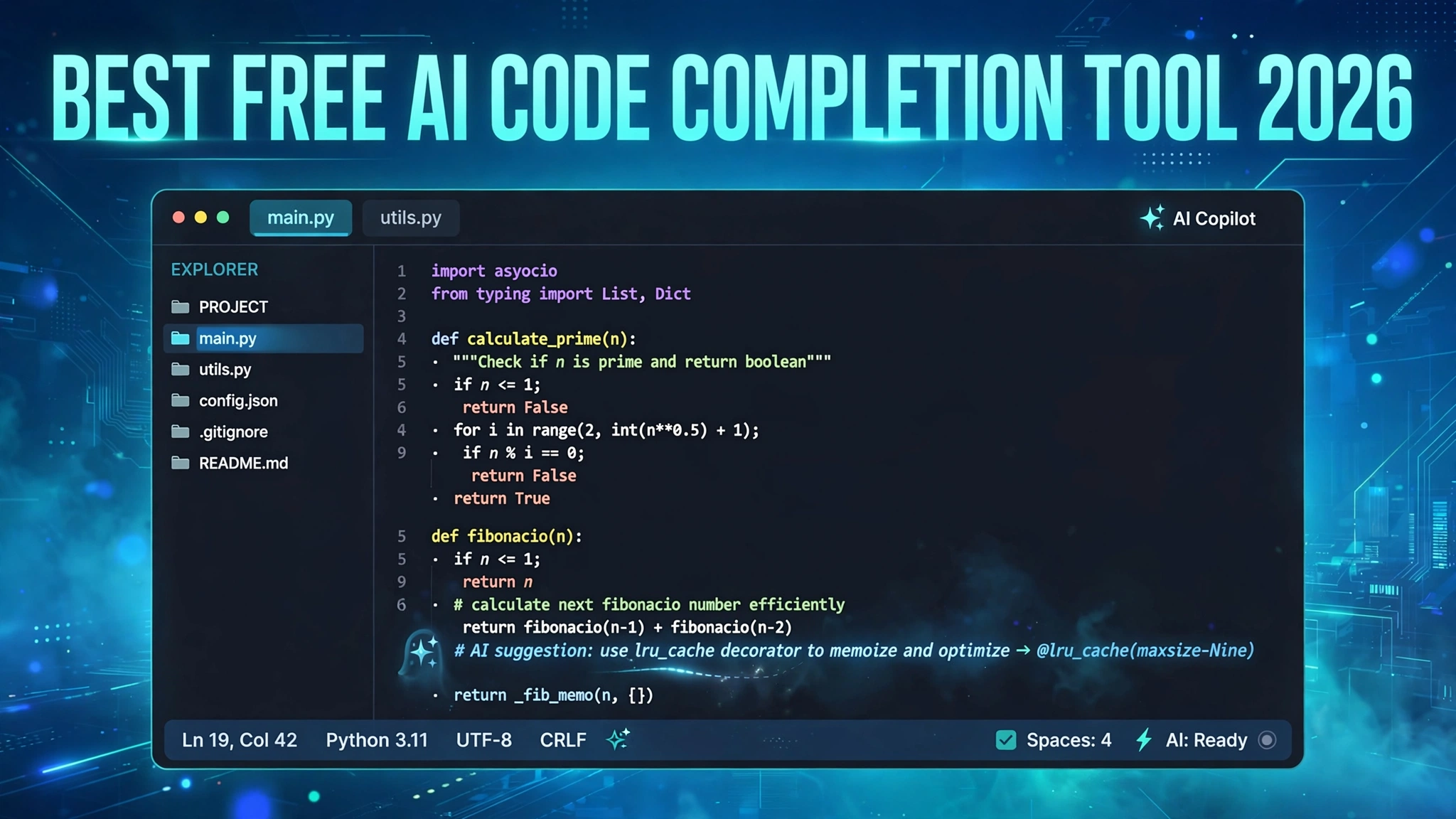
An AI code completion tool lives inside your editor and predicts what you are about to write. The simplest form is single-line autocomplete: you start typing a function call and the tool ghosts in the rest. The more advanced form is multi-line generation, where it suggests entire blocks or functions based on the surrounding code, comments, and your project’s patterns. This guide compares the best free AI code completion tool 2026 options so you can pick the right one.
Modern tools go further than autocomplete. Most now include a chat sidebar for questions about your code, explanations, and generation from natural-language descriptions. Some add an agent mode that edits multiple files and completes small tasks end to end. Free tiers usually cover completions generously and ration the fancier agent features.
The key question for any free plan is the allowance: how many completions or chat requests you get per month, and what happens at the limit. That is where the tools below differ most, so we spell out each free tier as currently reported, with the usual warning that vendors adjust these numbers without much notice.
GitHub Copilot Free: The Baseline Everyone Compares Against
GitHub Copilot is the original AI pair programmer and the reference point for the whole category. Its free plan for individuals reportedly includes around 2,000 code completions and 50 chat or agent-mode requests per month, enough for a developer who codes a few hours a day. It works in VS Code, JetBrains IDEs, Neovim, and the GitHub web editor, drawing on frontier models from OpenAI, Anthropic, and Google.
Copilot’s strength is breadth: huge language support, decent multi-file context, and an agent mode on higher tiers that takes on real tasks. On the free tier you mostly get the core completion experience plus a taste of chat. GitHub has reshuffled these allowances more than once in 2026, so treat the numbers as a snapshot and check the current pricing page before planning around them.
The free tier’s weakness is the ceiling. Two thousand completions sounds like a lot until you are deep in a coding session, and the chat allowance runs out fast if you lean on it for explanations. Still, as the best free AI code completion tool 2026 baseline, it is the one every other tool must beat.
Windsurf: A Generous Free Tier for Individuals
Windsurf, formerly known as Codeium, built its reputation on a free tier that was genuinely unlimited for individuals, and it remains one of the most generous options in 2026. The current free plan reportedly includes unlimited tab completions plus a monthly allowance of prompt credits for chat and agent features, making it a strong daily driver without spending anything.
Windsurf supports more than 70 programming languages and plugs into virtually every popular editor. Its completions are fast and context-aware, and the agent features handle multi-step tasks across your codebase. For a startup team or a student, unlimited completions plus a usable agent allowance is hard to argue with.
Supermaven: The Speed Champion
Supermaven was founded by the creator of the original GitHub Copilot, and its entire pitch is speed: completions with almost no perceptible lag, backed by a very large context window that lets the tool see far more of your codebase. Developers who try it consistently call it the fastest autocomplete they have used, and speed matters more than most people expect when you are in flow.
Supermaven offers a free tier for individuals, with the paid Pro plan reportedly around 10 dollars per month for heavier use. The free plan suits developers who mainly want blazing-fast inline suggestions without the chat and agent machinery. If latency is your biggest frustration with other tools, try Supermaven first.
Tabnine: Local-First Completions for Privacy-Minded Developers
Tabnine’s differentiator has always been privacy. Its free plan offers basic completions that can run locally, so your code never has to leave your machine. For developers in regulated industries, or anyone uneasy about source code being processed in the cloud, that local-first design is the whole point.
The free plan is intentionally limited: core local completions are included, while chat, advanced AI features, and team capabilities sit behind the paid Dev and Enterprise tiers. Tabnine supports more than 15 IDEs, including some the bigger tools ignore, and it has a long-standing policy of never training on your proprietary code.
Amazon Q Developer: The AWS-Focused Free Option
Amazon Q Developer is Amazon’s AI coding assistant and the natural pick if your work lives on AWS. The free tier for individuals includes code completions, a chat interface, and AWS-specific strengths like explaining your cloud resources and helping with infrastructure code. If you write Lambda functions and CloudFormation templates all day, that AWS awareness is genuinely useful.
Reported free-tier allowances include a daily cap on generations, enough for steady daily use but tight during intense sessions. Q Developer plugs into VS Code, JetBrains IDEs, and the AWS console itself. It is less a general-purpose coding companion than Copilot and more a specialist for the AWS ecosystem.
Continue: The Free Open-Source Route
Continue is the open-source answer to AI code completion: a free extension for VS Code and JetBrains IDEs that you connect to any model you like. Bring your own API key from OpenAI, Anthropic, or Google, or point it at a local model on your own machine, and you have a full-featured coding assistant with no subscription and no per-seat cost.
The freedom is the feature. You choose the model, you control where your code goes, and you can run everything offline with a capable local model if your hardware allows. For developers uncomfortable with cloud processing, or who want to experiment with different models without switching tools, Continue is unmatched.
Cursor Hobby: Completions Inside an AI-First Editor
Cursor is not a plugin but a full AI-native code editor, forked from VS Code and built around AI assistance from the ground up. Its free Hobby plan reportedly includes a solid monthly allowance of completions plus a smaller number of premium model requests, making it a usable daily driver for individuals who want the deepest AI integration available.
What sets Cursor apart is how the AI participates in editing: tab completions that predict your next edit, chat that sees your whole codebase, and an agent mode that refactors across multiple files. Developers who switch often describe it as the moment AI assistance stopped feeling like autocomplete and started feeling like collaboration.
How to Choose the Right Free Code Completion Tool
Start with your editor and your privacy requirements, because those two constraints eliminate half the list immediately. If you live in VS Code with no special privacy needs, GitHub Copilot Free or Windsurf will serve you well from the first minute. If your code cannot leave your network, your shortlist is Tabnine’s local mode or Continue with a local model, and nothing else here qualifies.
Next, match the tool to how you work. If you mainly want fast inline suggestions while you type, Supermaven’s speed-first approach will feel best. If you want a chatty assistant that explains code and writes tests, prioritize generous chat allowances. And if you are learning to code, pick the tool with the best explanations, because a completion you do not understand is a bug you just imported.
Finally, remember that free tiers change. Vendors adjust allowances, rename plans, and occasionally retire free tiers entirely, and 2026 has already seen several such moves. Pick what fits today, keep your workflow portable, and re-check the pricing page once a quarter. The best free AI code completion tool 2026 offers is the one that is still free when you need it.
GitHub Copilot Free sets the baseline, Windsurf offers one of the most generous free tiers in the business, Supermaven wins on pure speed, and open-source Continue gives you total control. Try two or three of these for a week each, notice which one disappears into your workflow, and commit to that one. The productivity gain is real, and at these prices there is no reason not to claim it.
Once your editor is writing better code with you, the next step is catching what slips through. Read our guide to the best AI code reviewer free tools to add an automated second pair of eyes to every pull request.