
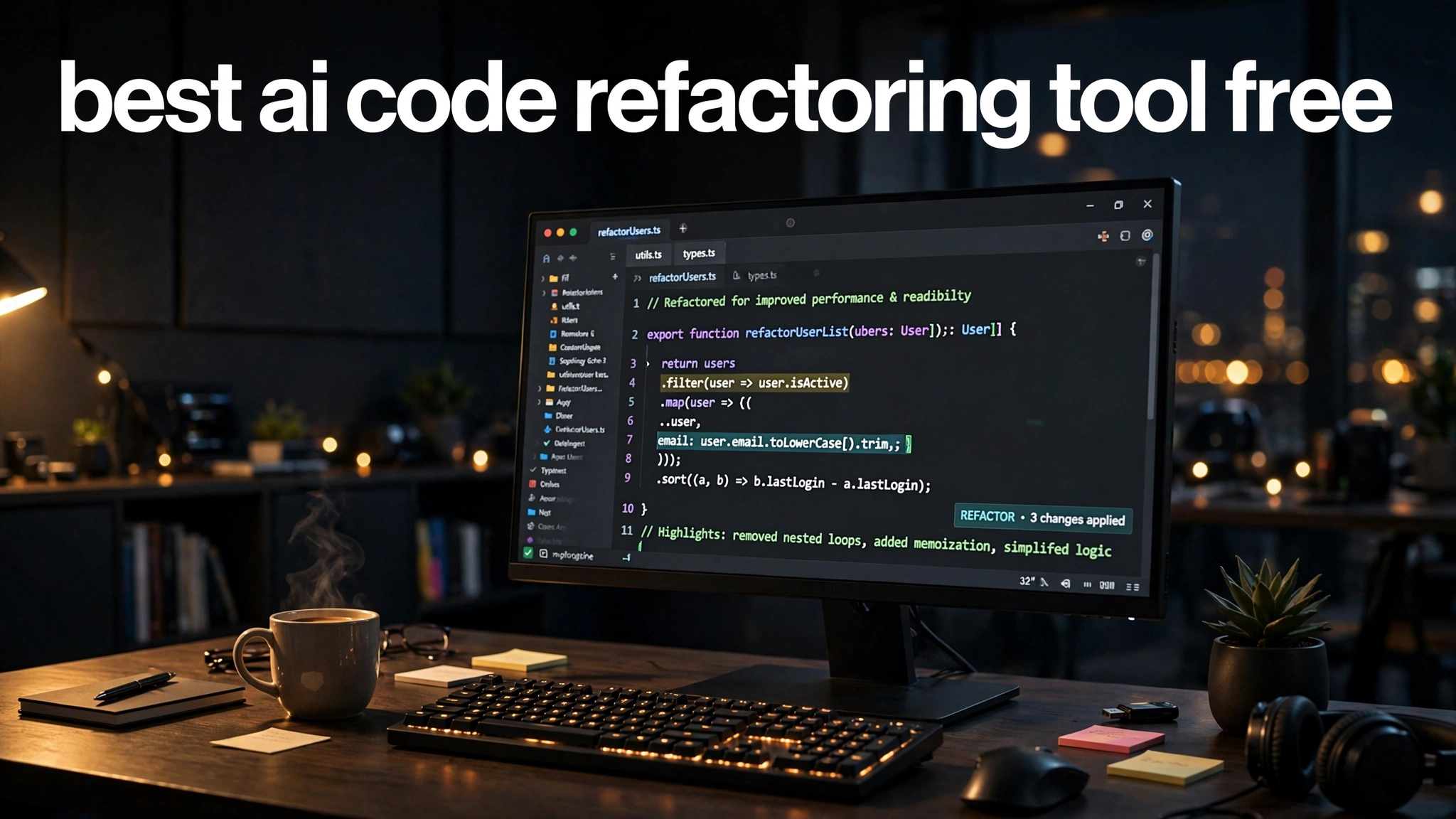
Refactoring is the part of programming everyone agrees is important and nobody feels like doing. Renaming variables, breaking up giant functions, and untangling messy logic is tedious, and on a deadline it is usually the first thing skipped. That is exactly why the best AI code refactoring tool free options have become so popular — they turn a chore that once took an afternoon into a ten-minute conversation with your editor.
The idea is simple. You highlight a messy block of code, ask the AI to make it cleaner, and it suggests a rewritten version that does the same thing with better structure. The catch is that every free tier has limits, and some tools handle multi-file refactors far better than others. This guide compares seven genuinely free options so you can pick the one that fits how you work.
What an AI Code Refactoring Tool Actually Does
An AI refactoring tool does more than autocomplete your next line. It analyzes code you have already written, understands what it does, and proposes a cleaner version — extracting a repeated block into a helper function, converting nested callbacks into readable async code, or renaming a variable across several files at once.
The most useful tools work directly inside your editor, so the refactor happens where your code lives. Instead of copying code into a chatbot and pasting the result back, you select a function, use a shortcut, and get an inline suggestion with a diff you can accept or reject. That workflow keeps you in control and makes every change easy to review before it lands.
It is worth being honest about the limits. AI suggestions can introduce subtle bugs or propose “cleaner” code your team would never write. Always run your tests after accepting a refactor, and treat the tool as a fast assistant rather than an autopilot.
GitHub Copilot — Best Free Starting Point
GitHub Copilot is the most familiar name in AI coding assistance, and its free tier is the easiest way to start refactoring with AI. The free plan reportedly includes around two thousand code completions plus a limited number of chat requests per month — enough to tidy small functions and clean up everyday code without paying anything.
Inside Visual Studio Code, you highlight a block of code, open Copilot Chat, and ask it to simplify the logic or extract a helper. Because Copilot lives inside your editor, suggestions arrive as inline edits you can accept line by line. For beginners and students, this is often all the refactoring help they need.
Cursor — Best for Multi-File Refactoring
Cursor is an AI-first editor built on the familiar Visual Studio Code experience, and it is widely considered the strongest free option for refactoring that spans multiple files. Its Composer feature can plan and apply changes across your whole project — renaming functions, moving code between files, and updating imports in one pass.
That multi-file awareness is what sets it apart. When you ask Cursor to split a large component into smaller ones, it understands how the pieces connect and keeps references consistent.
The free tier is reportedly more limited than some competitors, with a monthly allowance that can run out quickly on heavy days. If you refactor in focused sessions rather than all day, the free plan is genuinely useful.
Codeium — Best Fully Free Option
Codeium has built its reputation on a generous free tier. It reportedly offers completions on its free plan with no monthly completion cap, which makes it attractive if other free tiers feel too restrictive for the way you code.
For refactoring, Codeium supports in-editor chat and commands that rewrite selected code, explain complex functions, and suggest cleaner implementations. It works across Visual Studio Code, JetBrains IDEs, and several other editors, so mixed-stack teams are not forced onto one setup.
One caveat: “unlimited completions” does not mean unlimited everything — premium features can still sit behind paid tiers. Even so, for everyday refactoring help without counting requests, Codeium is one of the strongest free options right now.
Claude — Best for Tricky Refactors That Need Reasoning
When a refactor requires genuine thinking rather than pattern matching, many developers turn to Claude on its free tier. It is particularly strong at understanding complex logic, tracing how data flows through a function, and explaining exactly why the original code is hard to maintain before suggesting a cleaner version.
The most reliable workflow is to share the messy function, describe what feels wrong, and ask Claude to explain the problem first. That explanation step forces the model to reason carefully, which tends to produce refactors that are sound rather than merely cosmetically tidier. It also makes Claude a great companion for learning good design habits.
The free tier has daily usage limits that can feel tight on heavy refactoring days. For the hardest refactors, though, it is usually worth the extra step of pasting code in manually.
Cline — Best Open-Source Option
Cline is an open-source AI coding assistant that runs as a Visual Studio Code extension, and it stands out because the tool itself is free — you pay only for the AI model API calls you make. There is no monthly request cap from the tool, so your budget depends entirely on which model you connect.
For refactoring, Cline can act like an autonomous junior developer: it reads your files, proposes changes, runs commands to check results, and iterates. That agentic style is powerful for larger cleanups, like reorganizing a module or applying a consistent pattern across many files.
The tradeoff is complexity. You need to supply your own API key, and costs can climb if you point it at a premium model without watching usage. Many developers connect an affordable model to keep refactoring essentially free.
Tabnine — Best for Teams With Strict Privacy Needs
Tabnine has been in the AI assistant space longer than most, and it offers a free tier for individual developers with basic completions and limited chat. What keeps it relevant in 2026 is its focus on privacy and team workflows, including options to keep code on your own infrastructure.
For refactoring, Tabnine is less flashy than Cursor or Cline — it will not reorganize your project autonomously. Where it shines is the everyday work: suggesting cleaner implementations as you type, renaming variables consistently, and generating tests for code you just refactored.
How to Pick the Right Free Refactoring Tool
Match the tool to your workflow rather than chasing the biggest feature list. If you live in Visual Studio Code and want something that just works, GitHub Copilot Free or Codeium will get you refactoring in minutes. If you regularly clean up large codebases with changes that cross file boundaries, Cursor’s Composer is worth learning despite its tighter free limits.
Also consider how you review changes. Tools that show clear diffs and let you accept or reject each edit keep you in control, which matters because no AI refactor should be trusted blindly. If your team runs code reviews, you might also find our guide on the best AI code reviewer free useful alongside these tools.
Finally, do not lock into one tool too early. Most developers end up using two: one inside the editor for quick refactors, and a chat-based model like Claude for the tricky ones.
Free-Tier Limits Worth Knowing Before You Start
Free tiers change, so treat every limit here as a snapshot of what is reported in 2026 and check the current terms before building your workflow around one. Completions, chat messages, and premium model access are the three limits that matter most, and they are usually counted separately.
A common pattern is that completions are generous while chat requests — the feature you actually use for refactoring — are much tighter. GitHub Copilot Free reportedly pairs thousands of completions with only a small monthly chat allowance, so it suits autocomplete-driven tidying but runs dry fast if you refactor through conversation.
Conclusion
You do not need a paid subscription to refactor like a professional. Between GitHub Copilot Free, Cursor, Codeium, Claude, Cline, and Tabnine, there is a genuinely free option for every kind of refactoring work, from quick renames to multi-file reorganizations. The key is knowing each tool’s free-tier limits and matching them to how you code.
Pick one editor-integrated tool to start, keep a chat-based model handy for the tricky refactors, and always run your tests after accepting changes. Clean code is a habit, and these tools make it much easier to keep.
Once your code is clean, the next challenge is making sure it actually works. Check out our guide to the best AI debugging tool free to find a free AI assistant that helps you track down bugs and fix errors faster.