
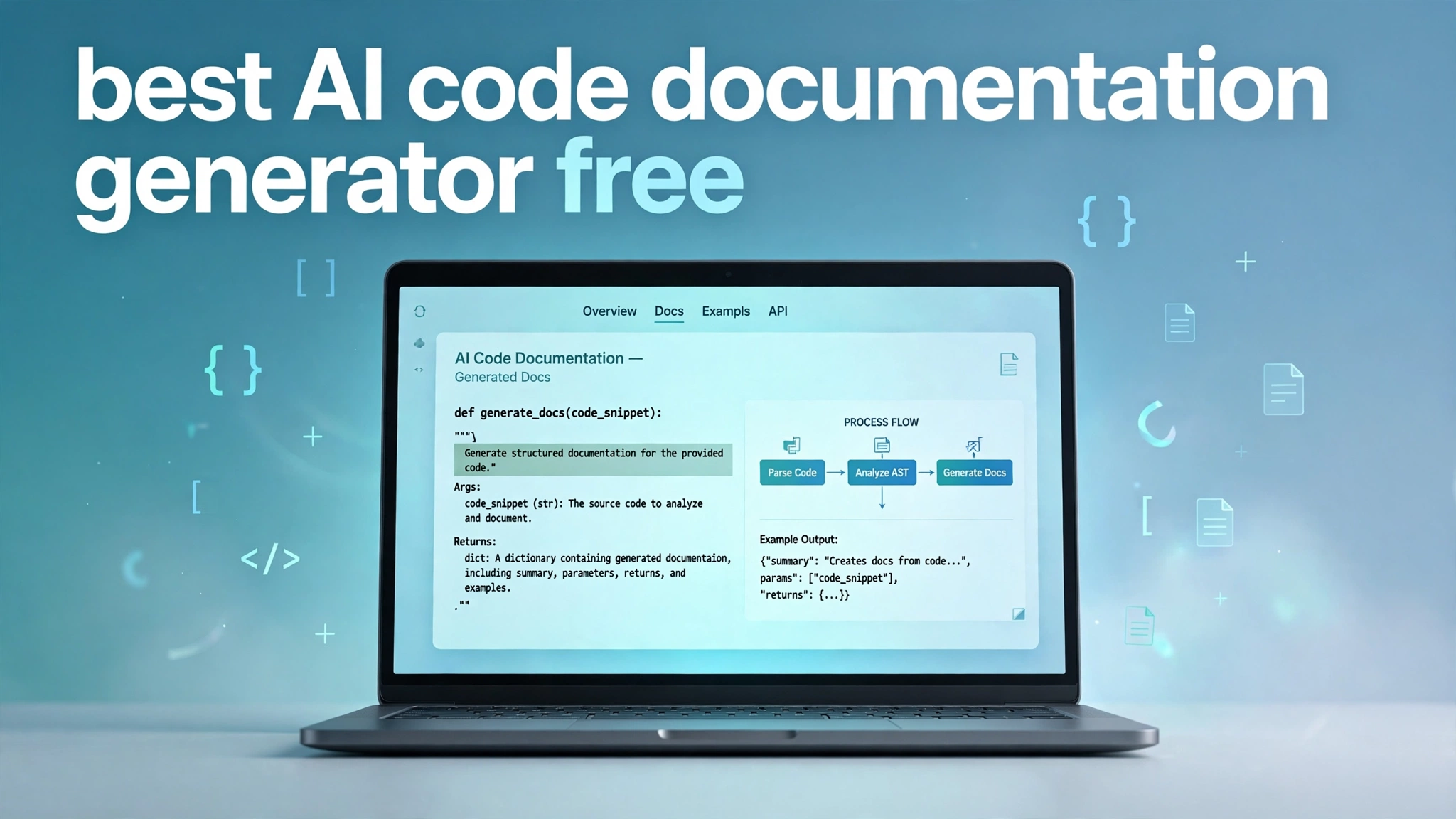
Every developer knows the pain of undocumented code. You inherit a project, open a file, and find functions like handleStuff() with not a single comment explaining what they do. Writing documentation by hand is slow, so most teams skip it, and the knowledge gap grows. That is why interest in the best AI code documentation generator free tools has exploded: they read your code and write the docs for you, at zero cost.
Several mature free tools now generate docstrings, READMEs, API references, and even full documentation sites from source code. Some work inside your editor, others connect to GitHub and build wikis automatically, and a few are fully open source. This guide covers the strongest free options, what each does best, and how to get useful output from them.
Why Manual Documentation Is Fading Out
The old approach asked developers to stop coding and write prose about code they had already moved past. It was slow and inconsistent, and docs drifted out of date within weeks because nobody updated them after each change. That rot is why so many open-source READMEs sit frozen in time.
AI changed the economics of the problem. A modern model reads a function’s signature, body, and type hints, then produces a structured description of its purpose, parameters, and edge cases. What took twenty minutes per function now takes seconds, and editing a draft is far easier than writing from a blank page.
What to Look For in a Free AI Documentation Tool
Different tools solve different problems, so first decide what kind of docs you need. Docstring generators insert comments directly into source files. Repo-level tools scan whole projects and produce wikis or architecture overviews. API documentation tools turn endpoints or an OpenAPI spec into a developer portal. Knowing which output you want narrows the field fast.
Then check the free tier’s real limits, since pricing pages can be generous with the word free and vague about the catches. Look at how many repositories you can connect, whether private repos are included, and how many generations you get monthly. Also weigh privacy: cloud tools deserve caution with proprietary code, while open-source tools running a local model keep everything on your machine. Plan on reviewing output either way.
Mintlify: Best Free AI Docs Site Builder
Mintlify turns your codebase into a polished documentation website, and its AI agent now does much of the writing. The free Starter tier lets you build and host a docs site at no cost, with the AI drafting pages from your code and flagging stale documentation. It ships as a VS Code extension and an IntelliJ plugin, so the workflow lives where you code.
What sets Mintlify apart is finished-product quality: a clean, searchable, analytics-ready site that looks designed by a documentation team. That matters for freelancers and startups whose API docs are effectively a marketing surface. The trade-off is that Mintlify targets external-facing documentation rather than inline comments, so pair it with an editor-based docstring generator for full coverage.
GitHub Copilot: Best Free Docstring Generator in Your Editor
GitHub Copilot’s chat interface and documentation commands make it one of the strongest free docstring generators available. Highlight a function, ask for documentation, and it writes a structured docstring covering parameters, returns, and behavior. The free tier reportedly includes around two thousand completions per month, which comfortably covers a side project or backfilling a small module.
Quality is very good on typed code in mainstream languages, where the model leans on type hints and familiar patterns. On older dynamic code with vague naming and no types, the output is more generic but still a useful starting point. Because it works inline in VS Code and JetBrains IDEs, there is no context switching: you write code, generate the docstring, review it, and move on.
DeepWiki: Best Free Repo-Wide Wiki Generator
DeepWiki is built for the moment you open an unfamiliar GitHub repository and wish someone had drawn you a map. Point it at any public repo and it generates a browsable wiki with architecture diagrams, module breakdowns, and a Q&A interface that answers natural-language questions about the code. It is free for public repositories with no sign-up required, and tens of thousands of popular repos are reportedly already indexed.
The experience shines for onboarding and exploration. Instead of reading code top to bottom, you ask about the authentication flow or payment logic, and the tool answers with references to generated wiki pages. The honest limitation is that DeepWiki summarizes code rather than reproducing official API references, so it explains architecture well but cannot replace a library author’s own guides.
Continue.dev: Best Open-Source Free Option
Continue.dev is an open-source AI coding assistant for VS Code and JetBrains editors, and documentation generation is one of its most practical uses. Being open source means no seat pricing, no vendor-owned quota, and no surprise rebrand changing your free tier’s terms. You can even point it at a local model so your code never leaves your machine, a real privacy advantage for client work.
In practice, you chat with Continue the way you would with any AI pair programmer, asking it to document a file, explain a module, or draft a README. The catch is setup: configuring it, especially with a local model, takes more effort than signing into a hosted service.
Qodo and CodeGPT: Free AI Help Inside Your Workflow
Qodo, formerly known as CodiumAI, folds documentation generation into a broader code review workflow. Its describe and add-documentation commands generate PR descriptions and inline documentation automatically, with a rules system that remembers your preferred formatting so style stays consistent. The free Developer plan includes a monthly allowance of PR reviews and IDE credits, enough to evaluate it seriously before any team commitment.
CodeGPT takes a lighter editor-first approach as a VS Code extension, with a free tier offering a set number of AI requests per month. You can generate docstrings, explain selected code, and draft documentation snippets without leaving the editor. Both tools share the standard inline-generator limitation: they document what code does, not why it exists, so a human review pass remains essential.
Swimm: Best Free Tool for Docs That Stay in Sync
The hardest documentation problem is not writing docs once but keeping them accurate as code changes. Swimm tackles it with code-coupled documentation: docs live alongside the code they describe, and its auto-sync technology detects when referenced code changes and flags the affected pages. The free tier covers small teams of up to five users, making it genuinely usable for startups and student groups.
This fixes the number one reason documentation rots. Traditional docs are text files nobody revisits; Swimm docs know which lines of code they describe, so a refactor automatically surfaces the pages needing updates.
How to Get the Best Results From Free AI Doc Generators
The biggest lever on output quality is the quality of your code. Models infer intent from names, types, and structure, so a function called calculateInvoiceTotal with typed parameters gets a far better docstring than one called doStuff with no types. A quick pass of renaming and adding type hints before generating docs pays for itself many times over.
The second habit is reviewing the output. AI documentation is a first draft, not a final authority: it excels at mechanics and stumbles on intent and the reasoning behind trade-offs. Skim every generated docstring, fix what is wrong, and add the why that only you know.
Conclusion
The best AI code documentation generator free options in 2026 are serious tools, not limited toys. Mintlify gives you a polished docs site for free, GitHub Copilot and Continue.dev write docstrings inside your editor, DeepWiki maps entire public repositories, and Swimm keeps your docs honest as code evolves. Combining two or three covers every documentation need at zero cost.
The winning strategy is simple: let the AI write the first draft, then bring your own judgment to the review. Machines describe what the code does; you explain why it matters. Used that way, these generators do more than save time: they raise the baseline quality of your codebase and turn documentation from a dreaded chore into something that takes care of itself.
If you found this guide useful, also check out our roundup of the best AI unit test generator free tools for 2026, where we rank 9 free generators for JUnit, pytest and JavaScript tests.