
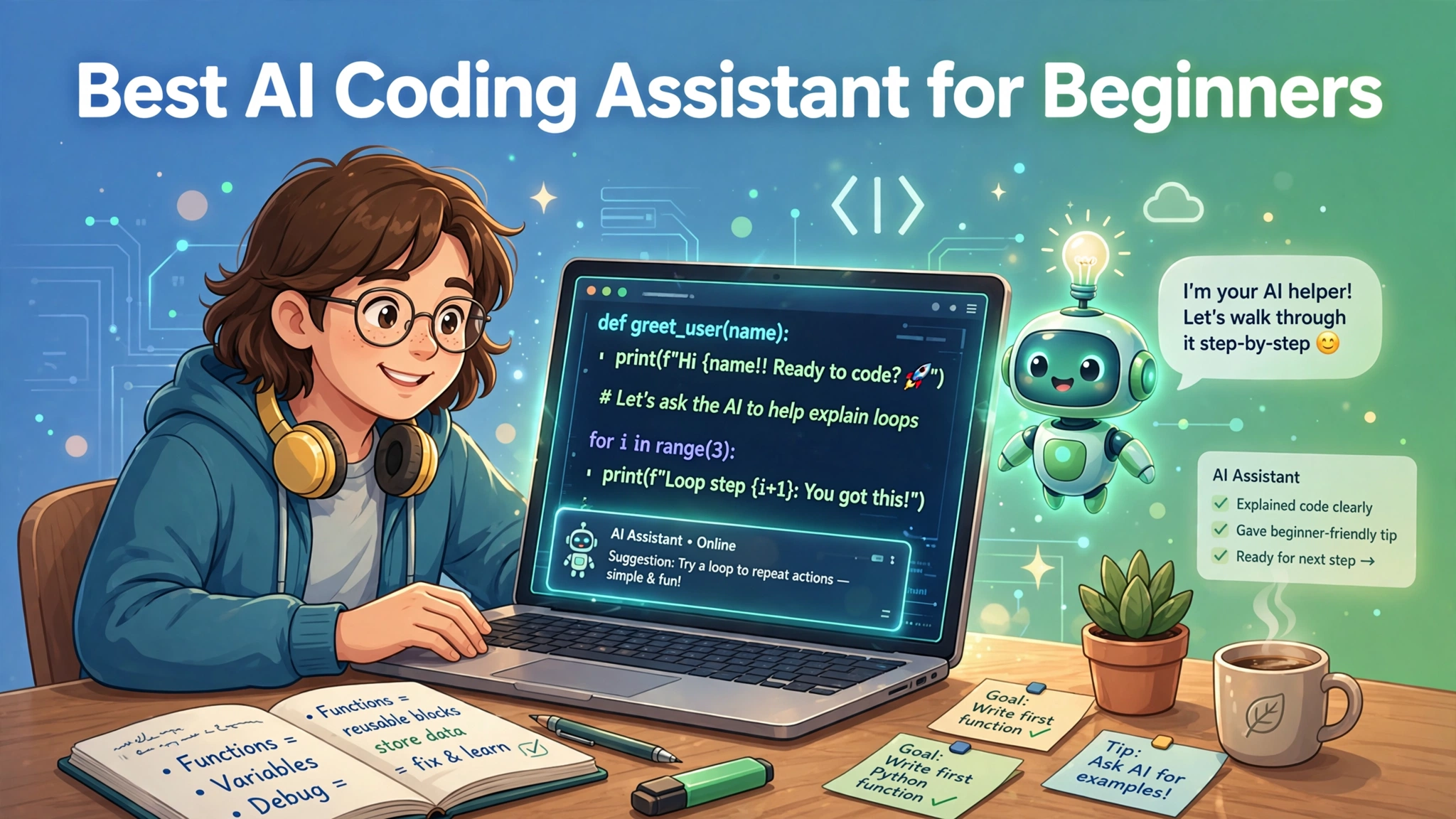
Learning to code used to mean staring at cryptic error messages alone for hours. Today an AI coding assistant explains errors in plain English, writes example code on request, and walks you through problems step by step, like a patient tutor available at three in the morning, and in 2026 the best AI coding assistant for beginners costs nothing.
The right AI assistant can decide whether you give up in frustration or build your first real project within weeks. This guide covers the easiest AI coding assistants for beginners, what to look for, how to learn faster with AI help, and honest caveats so you build real skills.
Why AI Assistants Are a Beginner’s Best Friend
The hardest part of learning to code has never been typing; it has been getting stuck. A missing bracket or a cryptic error message can stop a beginner for an entire evening. An AI assistant removes that roadblock: paste in the error, ask what it means, and get an explanation plus a fix within seconds.
AI assistants let you learn by doing instead of by reading. Rather than studying a textbook chapter on loops, ask the AI to build a small program using them, then experiment and question every line you do not understand. This hands-on style builds the practical confidence tutorials rarely provide.
Best of all, an AI assistant never gets tired, impatient, or judgmental. Beginners who feel embarrassed asking basic questions in class or on forums often open up completely to an AI. That honesty leads to faster learning, and the privacy of asking simple questions without embarrassment is a genuine advantage.
What Beginners Should Look For
Not every AI coding tool is beginner-friendly, so know what to prioritize. First, look for simple setup. If a tool needs an hour of configuration before your first line of code, it is wrong for a beginner. The best beginner tools work in minutes, ideally in a browser, with clear guidance from the moment you open them.
Second, look for strong explanations, not just code output: a tool that silently generates code teaches you nothing. The best assistant for beginners explains what the code does, why it works, and what each part means. Chat-style assistants excel because conversation is their native format.
Third, check the free tier is genuinely usable: many advertise free plans that run out after hours of real use. You want one that survives weeks of learning sessions, with no credit card required.
Windsurf: The Friendliest Full Editor
Windsurf combines a real coding environment with approachable AI help. Its free tier includes twenty-five prompt credits monthly plus unlimited tab completions, plenty for a few hours of learning a week. The interface is clean and modern, without overwhelming panels.
The standout feature is Cascade, Windsurf’s AI agent mode. Describe what you want in plain words, like a simple to-do list app, and it generates the files, writes the code, and explains what it did. Watching the AI work step by step is itself a learning experience, because you see how a project gets structured from nothing.
Windsurf suits beginners graduating from playing with code to building real projects in a proper editor. It grows with you: simple for day one, powerful for month six.
Replit: Start Coding in Seconds
If installing software sounds exhausting, Replit is your answer. It runs entirely in your web browser: zero installation, zero setup. Open the website, click a button, and you are coding with AI help within a minute. The free Starter plan includes modest computing resources, and public projects cost nothing.
Replit’s AI agent is built for conversation: describe the app you want, and it builds it while explaining its choices. You get something you can run, click, and share immediately. That early win matters enormously for motivation.
Replit suits absolute beginners, students on shared computers, and anyone with a Chromebook or low-powered laptop. The free tier limits computing power, and the AI agent’s generous trial eventually encourages an upgrade, but for learning fundamentals and building first projects, it is one of the easiest on-ramps in existence.
GitHub Copilot Free: Learn the Industry Standard
GitHub Copilot is the most famous AI coding assistant in the world, and its free tier is a legitimate way for beginners to learn. You get two thousand code completions and fifty chat requests per month inside Visual Studio Code. Learning on the same tool professionals use gives you a head start on real-world skills.
Copilot’s greatest teaching feature is its inline suggestions: as you type, it proposes how the line might continue, so you constantly see correct, idiomatic patterns. Reading good code is one of the fastest ways to learn, and the chat feature explains anything you do not understand.
Copilot suits beginners who are serious about eventually working as developers. The fifty-chat monthly limit teaches you to ask thoughtful questions rather than leaning on the AI for everything, which is secretly good for your learning. Verified students can even get the full Pro version free through GitHub Education.
ChatGPT and Claude: Your Personal Coding Tutor
Sometimes the best AI coding assistant for beginners is not a coding tool at all, but a conversational AI in a browser tab. Both ChatGPT and Claude offer free tiers that teach programming excellently: ask them to explain concepts simply, request practice exercises, or walk through your code line by line.
The conversational format is this option’s superpower: a chatbot teaches the thinking behind programming, like breaking problems into steps and debugging systematically. Claude is praised for patient explanations, while ChatGPT benefits from a huge community of beginner tutorials.
These tools suit the learning phase, the weeks and months when understanding matters more than output. They work with any language and need no setup beyond opening a website. The copy-and-paste workflow is clumsy for large projects, but for comprehension, nothing beats a conversation with a knowledgeable tutor.
How to Learn Faster With an AI Assistant
How you use the assistant determines how much you learn. The golden rule: always ask why, not just what. When the AI gives you code, ask it to explain each part; if you cannot explain it to someone else afterward, keep asking questions until you can.
A powerful technique is to have the AI generate code, then delete it and rewrite it yourself from memory. This forces your brain to engage with the logic instead of just accepting the output. Another effective habit: ask the AI for small challenges at your level, try solving them alone, then ask it to review your solution. This turns the assistant into a coach rather than a crutch.
Finally, build real projects early. Tutorials feel safe, but nothing teaches like building something you want, getting stuck, and working through it with your AI assistant. Start tiny: a calculator, a to-do list, a personal webpage.
Honest Caveats Every Beginner Should Know
AI assistants come with honest limitations. First, AI-generated code is not always correct: it can look confident yet contain subtle bugs or security flaws. Never blindly trust the output. Read it, test it, and understand it before using it in anything important.
Second, beware of becoming dependent. If the AI writes everything and you only copy and paste, you will feel productive while learning nothing. Practice coding without AI help regularly so the skills are truly yours.
Third, AI can teach bad habits. It may suggest outdated approaches, insecure patterns, or overly complex solutions. Cross-check important concepts with reputable documentation. Think of the AI as a very knowledgeable but occasionally overconfident study partner: excellent company, but verify the important stuff independently.
Once you are comfortable with the basics, explore our roundup of the best AI code generator free options to compare free tiers, monthly limits, and pick the right tool for bigger projects.
Conclusion
The best AI coding assistant for beginners meets you where you are and grows with you. Replit gets you coding in seconds, Windsurf offers a friendly full editor, GitHub Copilot Free teaches the industry standard, and ChatGPT and Claude act as patient tutors. Any of these serves a beginner well.
Whichever you choose, use AI to learn faster, not to skip learning. Ask why, practice without help regularly, and build real projects that excite you. The AI is your tutor, but you are the programmer.