
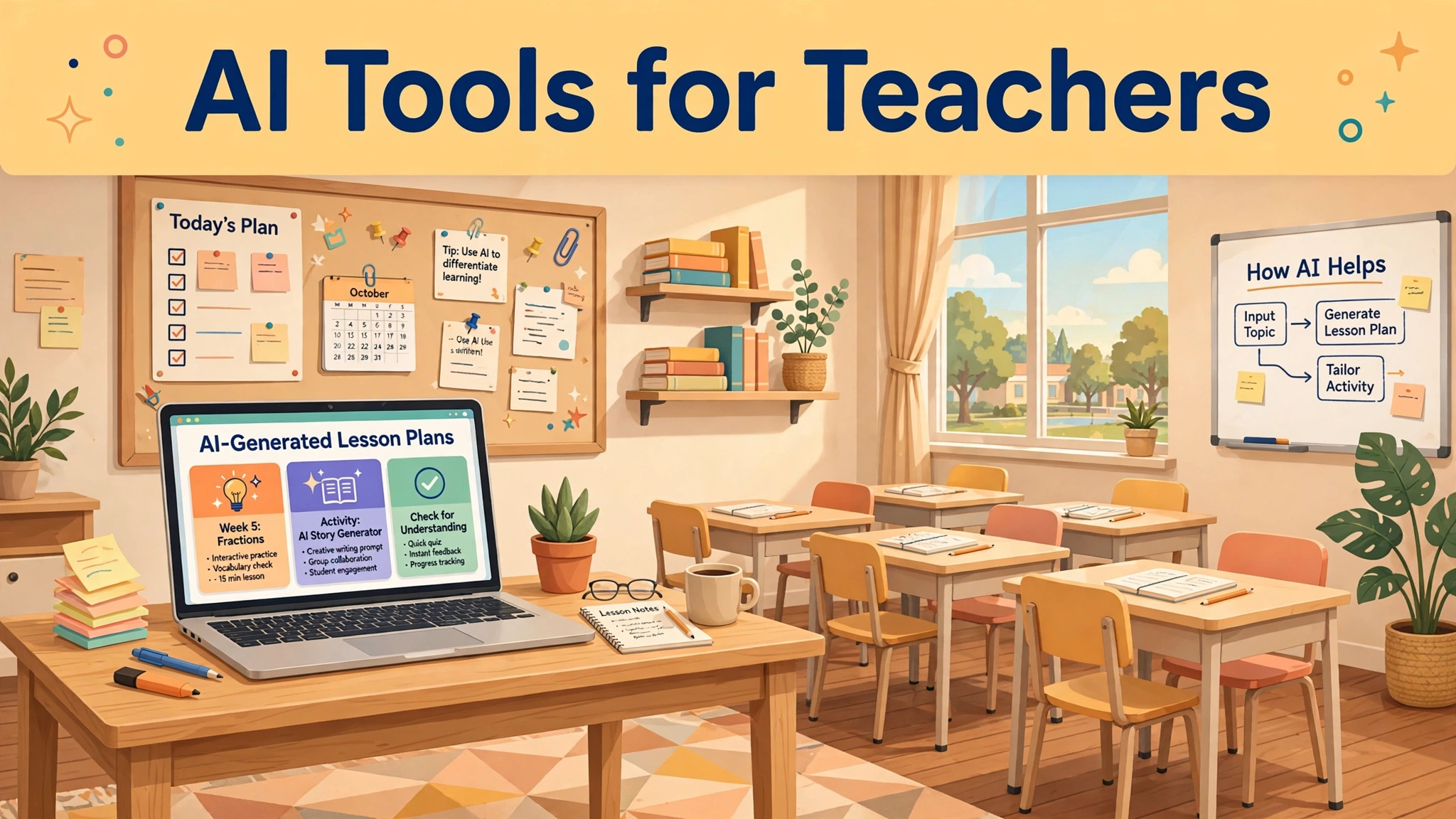
Teaching has always been a balancing act, but lesson planning, grading, and differentiating instruction now consume more hours than ever before. That is why AI tools for teachers have moved from novelty experiments to genuine classroom companions. This review-style guide covers the most useful and well-known options as of 2026, with honest notes on free versus paid plans.
You do not need every tool at once. Each review below follows the same honest format: what it does well, where it falls short, and whether the free plan is enough. Pick the option that solves your biggest classroom time sink first.
Why Teachers Are Turning to AI Assistants
Most teachers spend evenings and weekends on repetitive preparation that students never see directly. AI tools for teachers handle the first draft of lesson plans, worksheets, quizzes, and rubrics in seconds, freeing educators to focus on delivery and relationships. The best platforms understand classroom context instead of producing generic content that needs heavy rewriting afterward.
What separates useful tools from gimmicks is alignment with real teaching workflows. Strong AI tools for teachers integrate with platforms like Google Classroom or Microsoft Teams, respect student privacy rules, and let educators adjust reading levels or curriculum standards. When those details are handled properly, teachers commonly report saving several hours every single week.
This guide reviews each option on practical criteria: does it work in a classroom, how much of it is free, and who benefits most. Tools are grouped by their main job, from planning and grading to student engagement. Pick one or two that address your biggest pain points rather than trying to master everything simultaneously.
MagicSchool AI: The All-in-One Teacher Assistant
MagicSchool is among the most popular AI tools for teachers, offering dozens of purpose-built generators for planning, assessment, and parent communication. You can create lesson plans, rubrics, IEP suggestions, and newsletters with a few clicks. Its teacher-first design keeps outputs structured and classroom-ready instead of rambling and unfocused.
The free plan is generous enough for individual teachers to use every day without hitting frustrating limits. MagicSchool also provides a supervised student environment with teacher controls for safe classroom AI use. Schools appreciate its privacy commitments, which matter enormously whenever student data is anywhere near the picture.
Who should try it first? Classroom teachers who want one dashboard instead of ten separate apps. The wide range of tools means occasional uneven quality, so always review generated content before using it. As a single starting point among AI tools for teachers, MagicSchool remains the easiest recommendation to make.
Brisk Teaching and Curipod for Engagement
Brisk Teaching works as a browser extension that lives inside Google Docs, Slides, and YouTube, helping teachers build quizzes, adjust reading levels, and write feedback faster. It is especially strong at inspecting student writing and suggesting targeted comments. The workflow feels natural because it appears exactly where teachers already work each day.
Curipod takes a different angle, turning lessons into interactive experiences with polls, open responses, and AI feedback on student answers. Teachers can generate a full interactive lesson from a topic or existing slides. It shines in classrooms where holding attention is the daily battle and participation needs a boost.
Both tools keep generous free tiers that suit individual classrooms, with paid school plans adding deeper analytics. Choose Brisk if your pain point is grading and feedback speed; choose Curipod if engagement is the priority. They pair well together since each solves a genuinely different classroom problem.
Khanmigo and Diffit for Personalized Learning
Khanmigo, built by Khan Academy, acts as an AI tutor that guides students with questions instead of handing over answers. Teachers can use it for lesson planning, quiz creation, and differentiated practice activities. Because it connects to Khan Academy’s curriculum library, its academic accuracy tends to be more reliable than general chatbots.
Diffit focuses on a narrower but valuable job: adapting any text or topic to different reading levels while generating worksheets, summaries, and vocabulary lists. A teacher can paste a news article and receive leveled passages with comprehension questions in under a minute. It is a standout choice for mixed-ability classrooms.
Khanmigo offers free access for teachers in many regions, while Diffit has a free tier with premium options for schools. Use Khanmigo when you want Socratic-style guided student support; use Diffit when differentiation is quietly eating your preparation time. Together they cover personalization remarkably well.
Eduaide AI for Faster Lesson Planning
Eduaide AI is a workspace-style platform with over a hundred resource types, from unit plans and project outlines to discussion prompts and feedback comments. It supports multiple languages, which helps diverse classrooms. The interface resembles a teaching toolkit rather than a chatbot, keeping outputs organized by task type.
What teachers notice first is pure speed: a full week of lesson outlines can be drafted in one sitting and refined over coffee. Eduaide lets you save and reuse successful prompts, so quality improves as you build a personal library. The free plan covers regular individual use comfortably without constant upgrade pressure.
Eduaide suits teachers who plan in batches and want reusable structure across terms. Like every AI tool here, it occasionally needs correction on curriculum specifics, so subject expertise stays in the loop. For pure planning power among AI tools for teachers, it ranks very near the top.
AI Grading and Assessment Assistants
Grading is where teachers feel the heaviest burden, and AI grading tools promise genuine relief. Platforms like Gradescope use AI to group similar answers and speed up rubric-based scoring, while newer classroom tools draft feedback on essays and short responses. The goal is consistency plus faster turnaround for students waiting on results.
The honest caveat is that AI should assist grading, never replace teacher judgment. The best approach lets the tool handle first-pass scoring or comment drafts while the teacher reviews edge cases personally. Schools increasingly require clear disclosure policies when AI touches assessment, so always check your district rules first.
Who benefits most? Teachers with large class sizes or frequent written assignments. Many of these platforms now offer generous free tiers for individual use, with institutional plans unlocking full automation. Start small with one assignment type and expand only once you genuinely trust the workflow.
Gamma and Presentation Tools for Lessons
Polished slides used to take hours, but AI presentation tools like Gamma generate clean decks from a topic or outline in minutes. Teachers can produce revision guides, project briefs, or parent-night presentations with professional layouts. Gamma also supports interactive elements and easy sharing links for homework distribution.
Similar tools follow the same promise with storytelling-first formats that suit project showcases and student presentations. Both styles reduce tedious design busywork, though teachers should verify facts inside generated slides before presenting them. Students themselves can use these tools for creative assignments under proper guidance.
Free plans comfortably cover casual classroom use, with paid tiers adding extra branding and unlimited generation. These tools suit teachers who present often or assign multimedia projects. They are not core pedagogy tools, but they remove friction from one of teaching’s most time-consuming side tasks.
Teachers who also create their own worksheets and study materials can save even more time with a free rewriting helper — see our comparison of the best AI paraphrasing tool free options for 2026.
Conclusion
The best AI tools for teachers share a clear pattern: they respect classroom reality, protect student privacy, and keep the teacher firmly in charge. MagicSchool covers the most ground, Brisk and Curipod handle engagement, Khanmigo and Diffit personalize learning, while grading and slide tools remove the busywork around it all.
Start with your biggest time sink rather than the shiniest demo. Most of these platforms offer free tiers generous enough for an honest evaluation over several weeks. Build one habit at a time, and always very carefully review AI output before it reaches your students.
Used thoughtfully, AI becomes a teaching assistant rather than a replacement. The educators getting the most value treat these tools as draft-writers and feedback partners while keeping human judgment at the center. That balance is what turns AI from hype into genuinely useful classroom help.